
Fast, focused wireframing in Whimsical
Explore new product ideas and iterate quickly to ship the right solution on your first release, not the third.
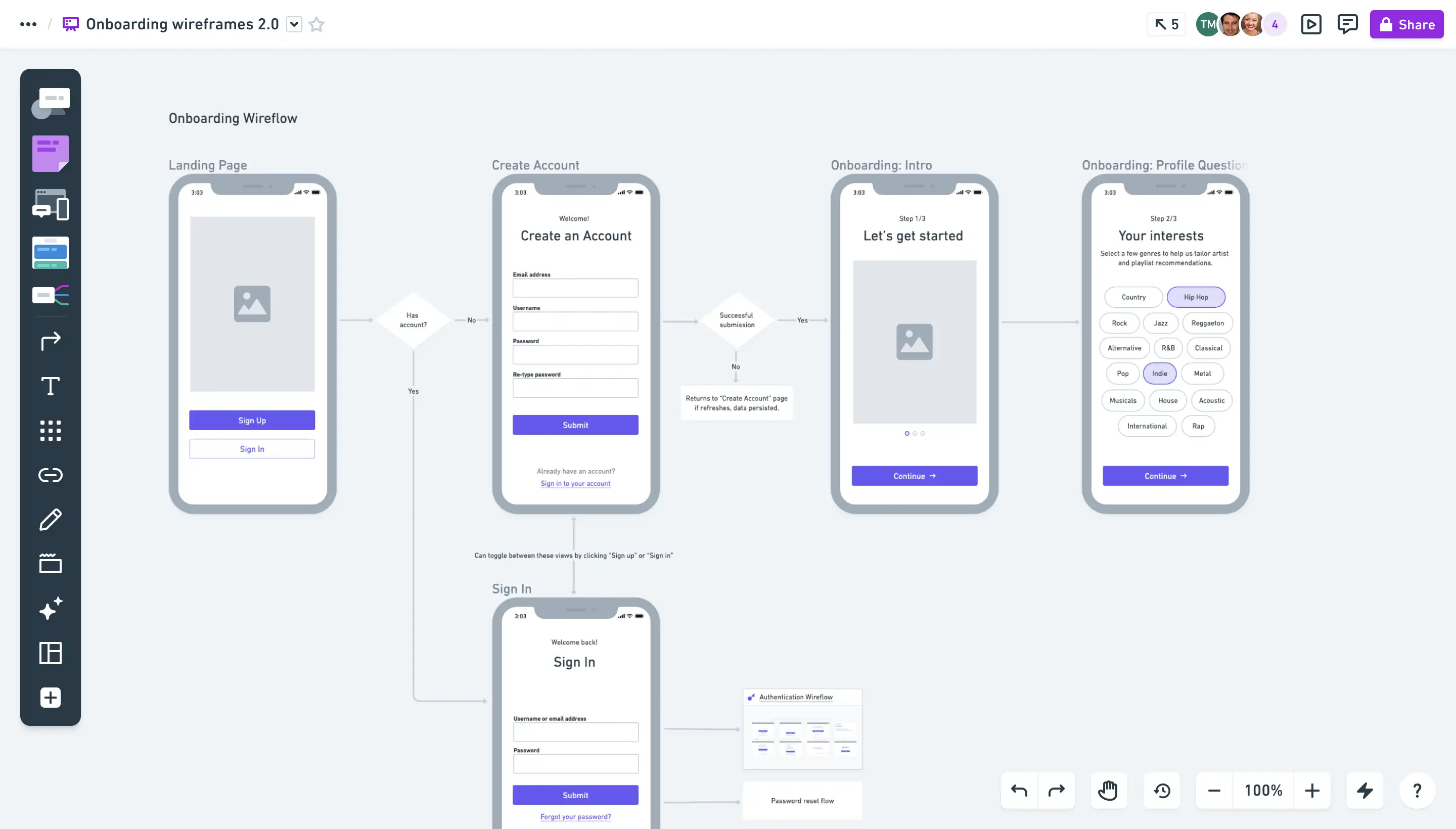
Design engaging low-fidelity wireframes in a clutter-free experience your team will love
Design engaging low-fidelity wireframes in a clutter-free experience your team will love
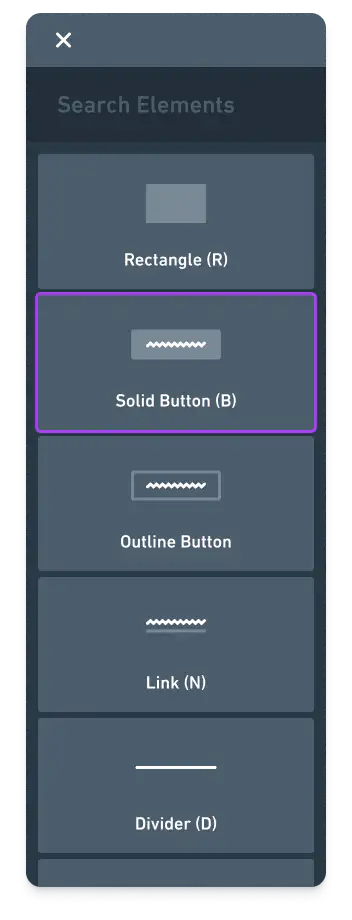
Drag-and-drop components
Quickly explore and refine product ideas with a full set of drag-and-drop components, complete with adjustable properties and states.



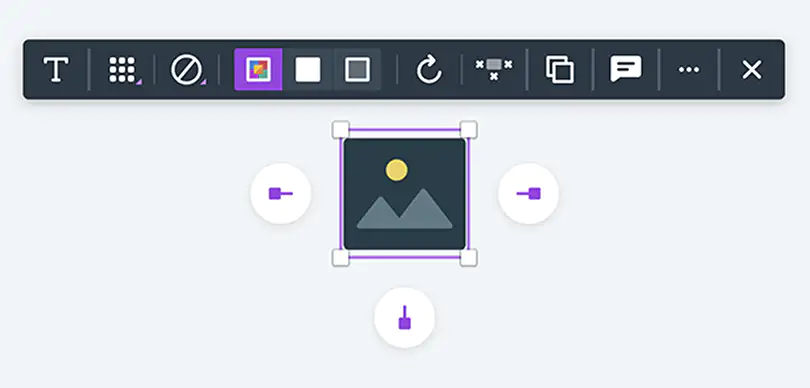
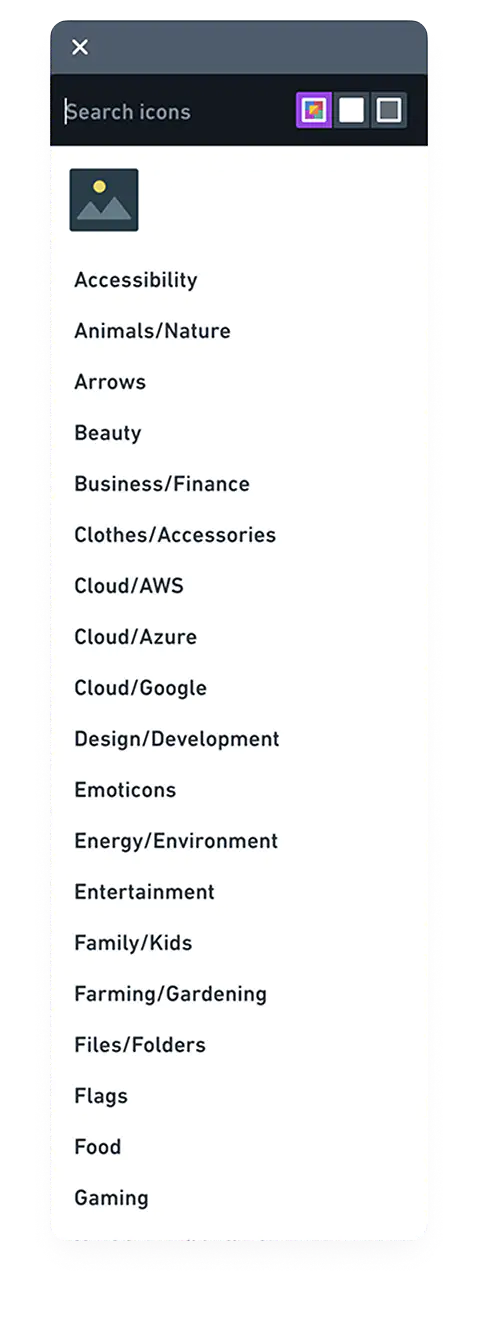
Extensive icon library
Choose from thousands of icons to give your wireframes instant clarity and detail.



Device frames
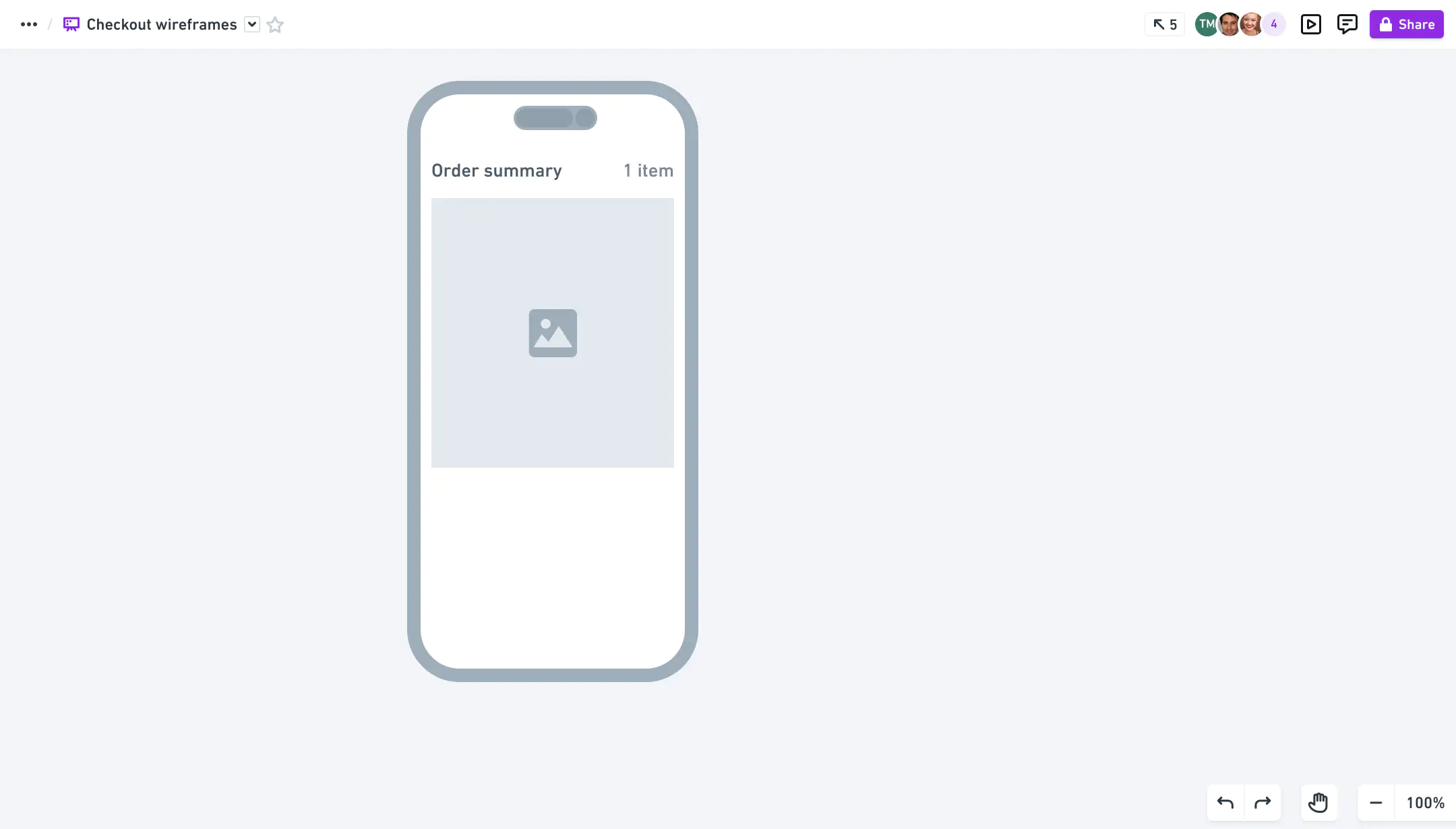
Design across all platforms with configurable devices frames for browsers, phones, tablets, and more.

done right
Built for speed
Optimized for speed and efficiency to keep you in a state of flow.
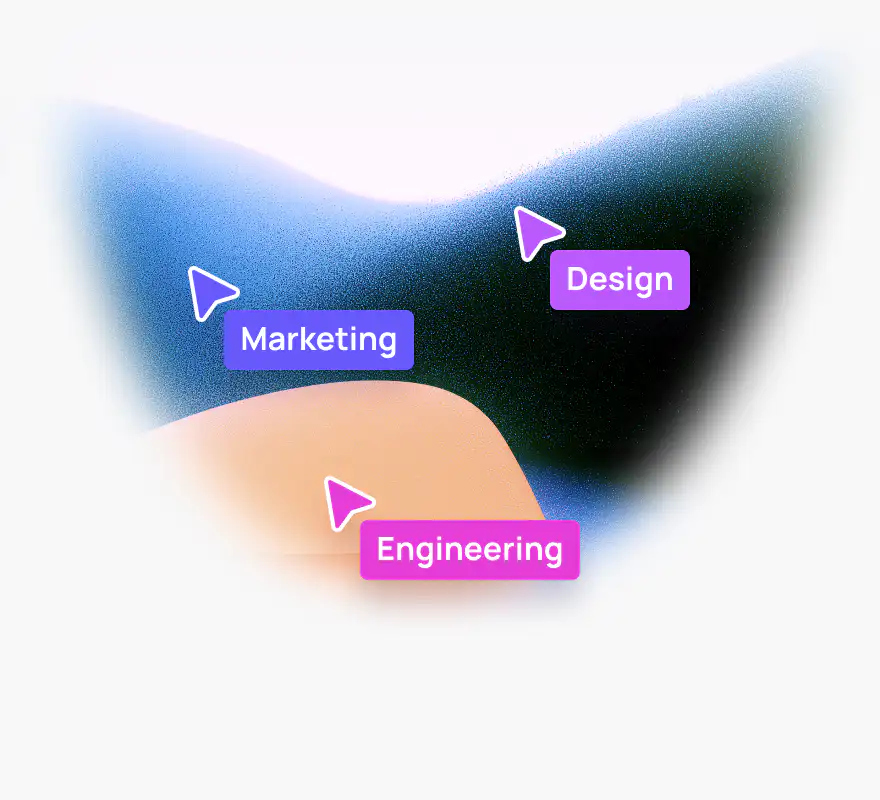
Multiplayer editing
Work together in real-time to keep your momentum going.

Templates from experts
Jump start your thought process with our library of helpful templates.
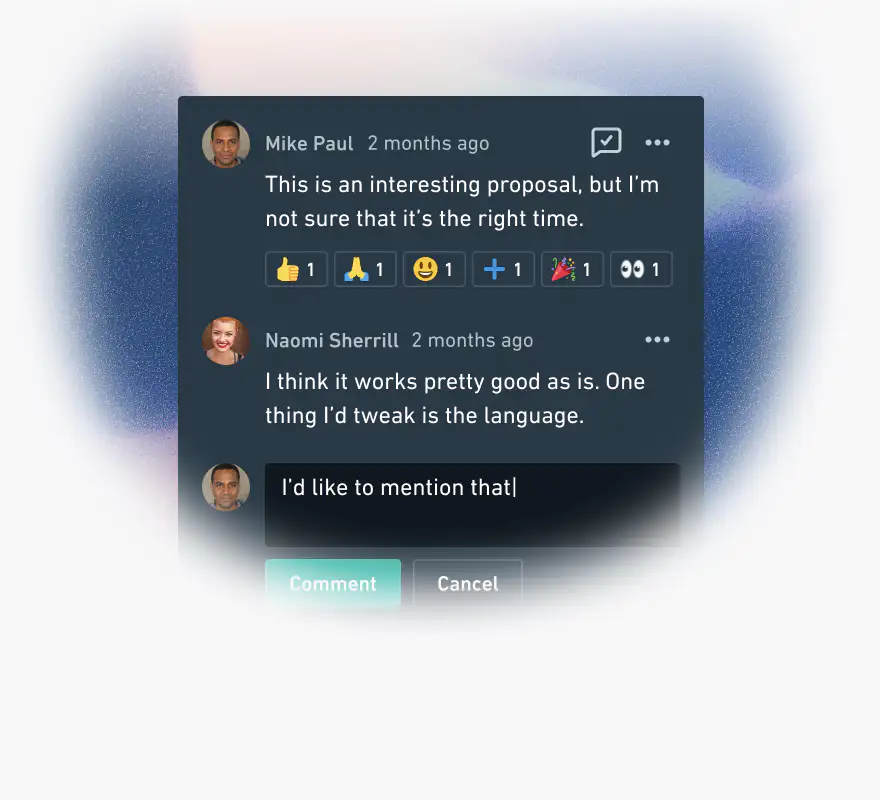
Comments
Have focused conversations where the work happens, without the noise of chat apps.
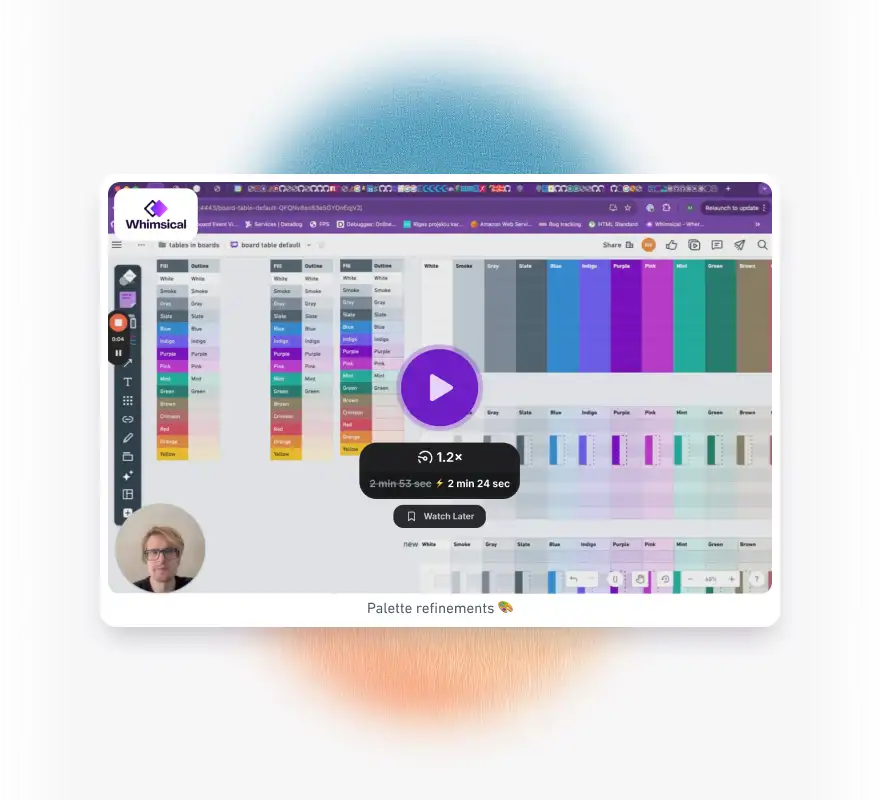
Images and video
Upload images or embed videos from Loom, YouTube, and more to provide context.
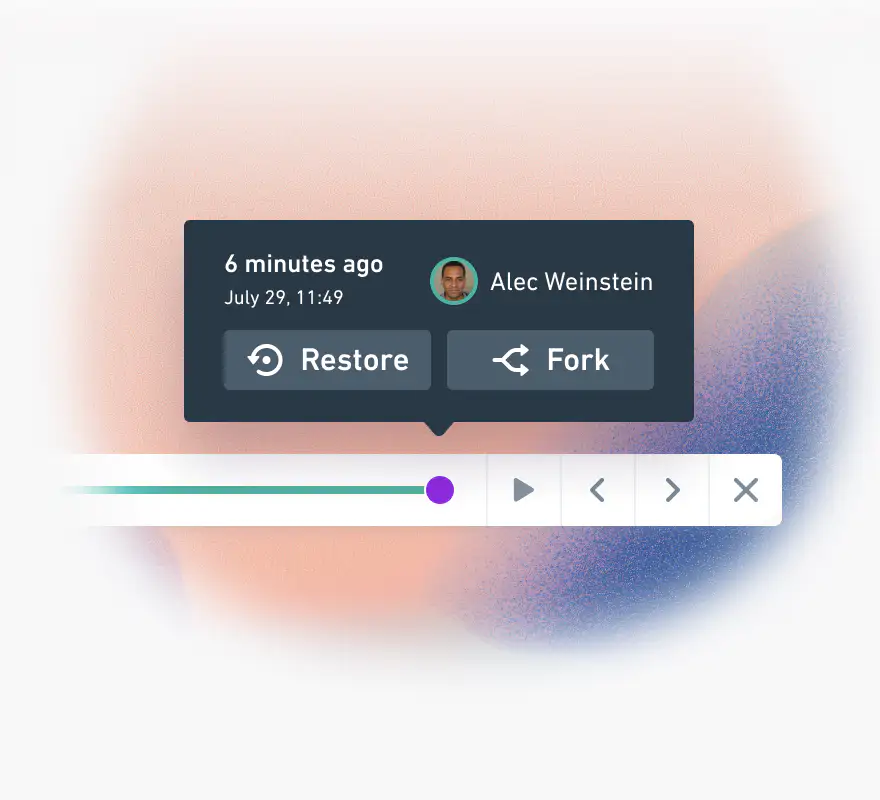
Time machine
View and replay full change history and restore to an earlier state.
Frequently asked questions
- Yes. Whimsical's Free plan includes the wireframe tool, with unlimited boards and unlimited guests. On the Free plan you can create up to 50 new board objects per month, and exports carry a Whimsical watermark. The Pro plan removes both limits for $12 per editor per month, or $10 per month when billed annually.
- Yes. Connect Claude, ChatGPT, Cursor, or another AI agent to Whimsical and ask it for a wireframe, and it builds one on your board as a regular wireframe you can edit. Connecting an agent is free on every plan.
- Yes. Whimsical has configurable device frames for phones, tablets, and browsers, so you can wireframe mobile apps and websites on the same board. Frames have their own options, such as switching the status bar and keyboard on and off on a phone frame.
- Yes. Whimsical wireframes are built from drag-and-drop components such as buttons, menus, and tabs, with adjustable properties and states, plus a library of thousands of icons. Press W to enter wireframe mode, F to add a frame, and E to add a component.
- Yes. Whimsical wireframes are collaborative in real time, so everyone sees each other's cursors and changes as they happen, and you can comment directly on the wireframes. You can share them by link with view, comment, or edit access, and guests are free on every plan.
- Yes. Whimsical's MCP server connects your workspace to AI tools such as Claude, ChatGPT, and Cursor, so they can read your wireframes and code working prototypes from them. The same tools can also generate new wireframes in Whimsical from a prompt or from code.
An infinite canvas to capture all your ideas


Boards
An infinite canvas for diagrams, wireframes, and whiteboards.
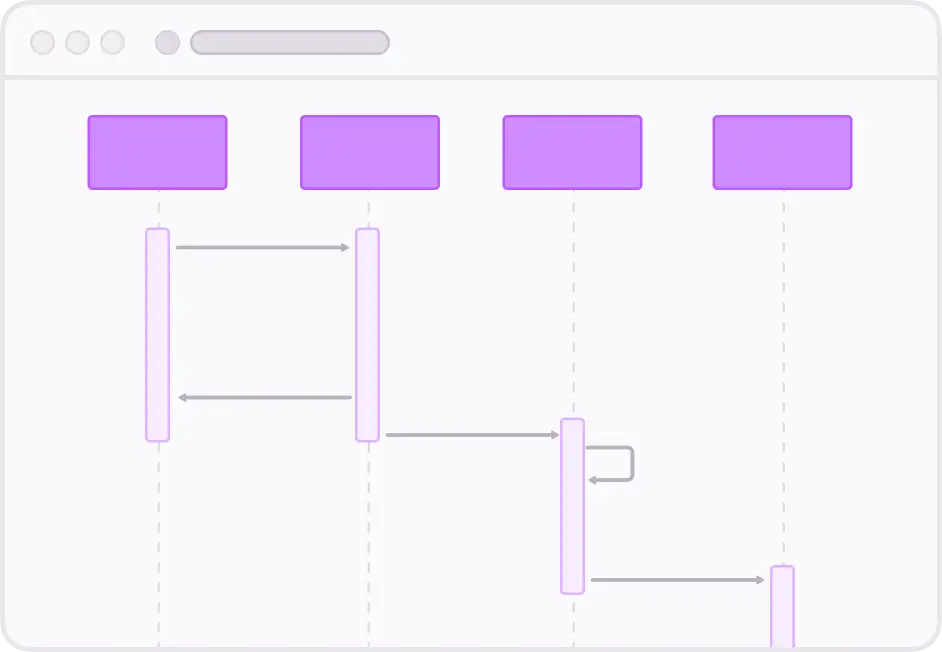
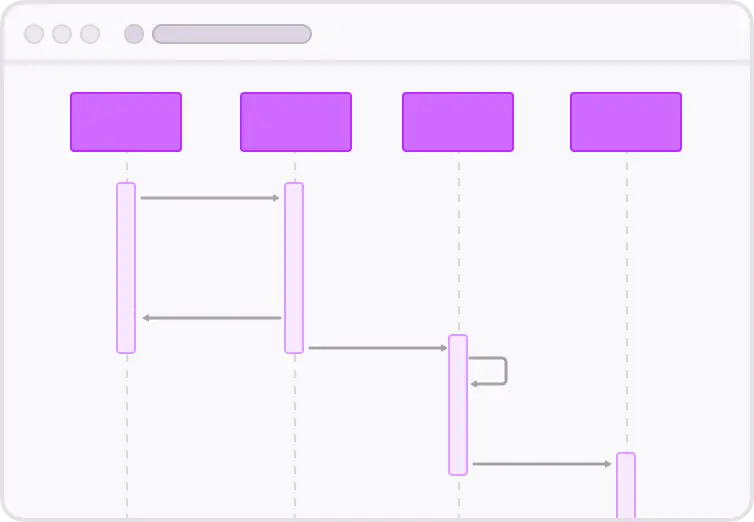
Diagrams
Quickly capture ideas and create shared understanding.


Mind maps
Expand and organize ideas before refining a solution.


Docs
Clutter-free docs to align your team and move work forward.
Flowcharts
Explore and validate interaction flows.
Bring your own agent
Use Whimsical with the AI agent of your choice to create and edit diagrams, wireframes, and docs.