
Bring your own agent
Connect the AI agent you already use, like Claude, ChatGPT, or Cursor, and have it create diagrams, wireframes, and docs in your Whimsical workspace.

Connect your agent
Connect Claude, ChatGPT, Cursor, VS Code, or any MCP-compatible agent from Connect an agent in Whimsical. It shows which agents you've already connected.
Learn more
One-click setup on desktop
The Whimsical desktop app finds Claude Code, Codex, Cursor, VS Code, and other agents on your computer and connects them for you, with no commands or config files.
Download the appFrequently asked questions
- Connect the AI agent you already use. Connect an agent in Whimsical walks you through setting up Claude, ChatGPT, Cursor, VS Code, Codex, Antigravity, OpenCode, or Amp, and shows which ones are already connected. Any other agent that supports remote MCP servers can connect to https://mcp.whimsical.com/mcp.
- It can create and edit flowcharts, wireframes, mind maps, sequence diagrams, sticky notes, and docs, and search and read the files in your workspace, so you can ask it to turn a conversation, a codebase, or a document into a diagram.
- No. Connecting an agent works on every Whimsical plan, Free included. Your Whimsical plan's limits still apply to what the agent creates, and your agent's own plan covers its usage.
- Yes. When Claude Code, Codex, Cursor, VS Code, Antigravity, or OpenCode is installed on your computer, the Whimsical desktop app adds Whimsical to it in one click, so you don't need to run commands or edit config files. You then sign in to Whimsical from the agent.
- Whimsical Agent, the agent built into Whimsical, is no longer available to new accounts, who connect their own agent instead. Accounts that already had it can keep using it for now.
- No. Whimsical does not use customer data to train AI models. An agent you connect works with your content under its provider's own terms.
- Yes. Everything your agent creates is regular Whimsical content on your board or doc, so you can edit, restyle, and extend it like anything you made by hand.
What your agent can make
An infinite canvas to capture all your ideas


Boards
An infinite canvas for diagrams, wireframes, and whiteboards.
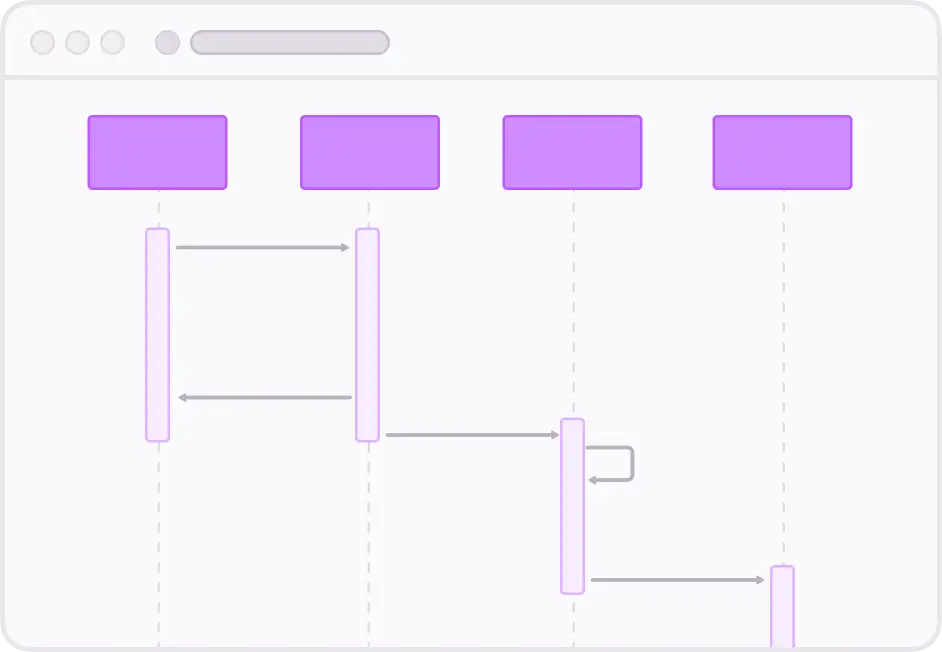
Diagrams
Quickly capture ideas and create shared understanding.


Docs
Clutter-free docs to align your team and move work forward.
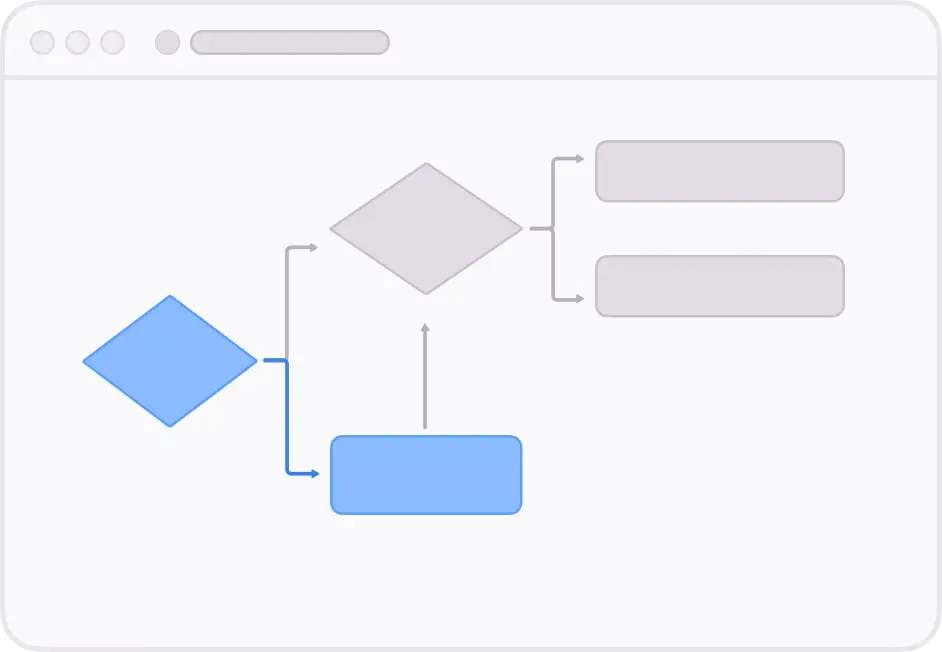
Flowcharts
Explore and validate interaction flows.
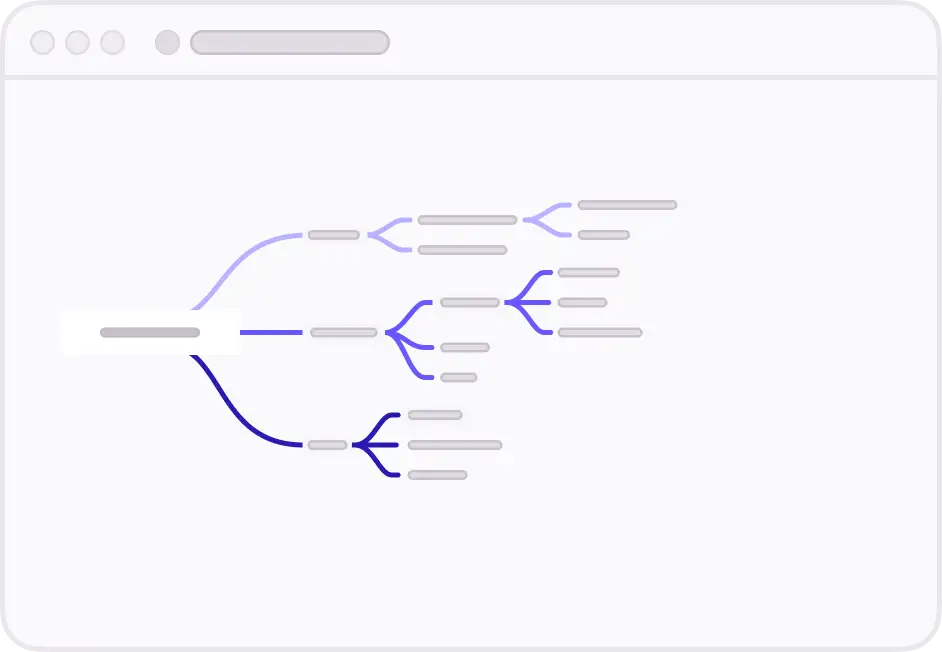
Mind maps
Expand and organize ideas before refining a solution.
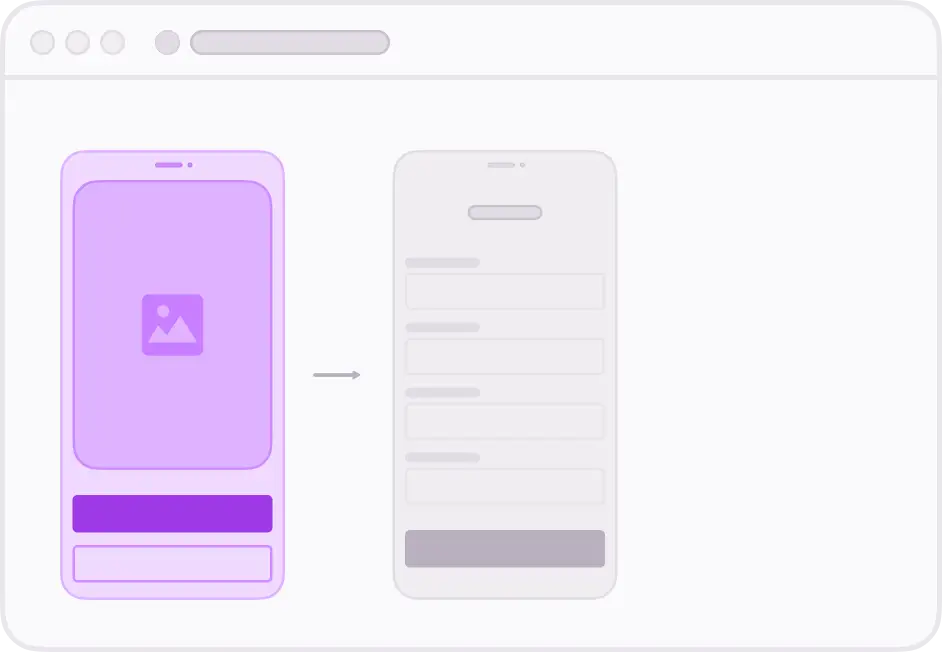
Wireframes
Build wireframes with drag-and-drop components.