


Modern docs built for simplicity and speed
Get your team on the same page. Document, communicate, and make decisions together or apart, in real-time or async.
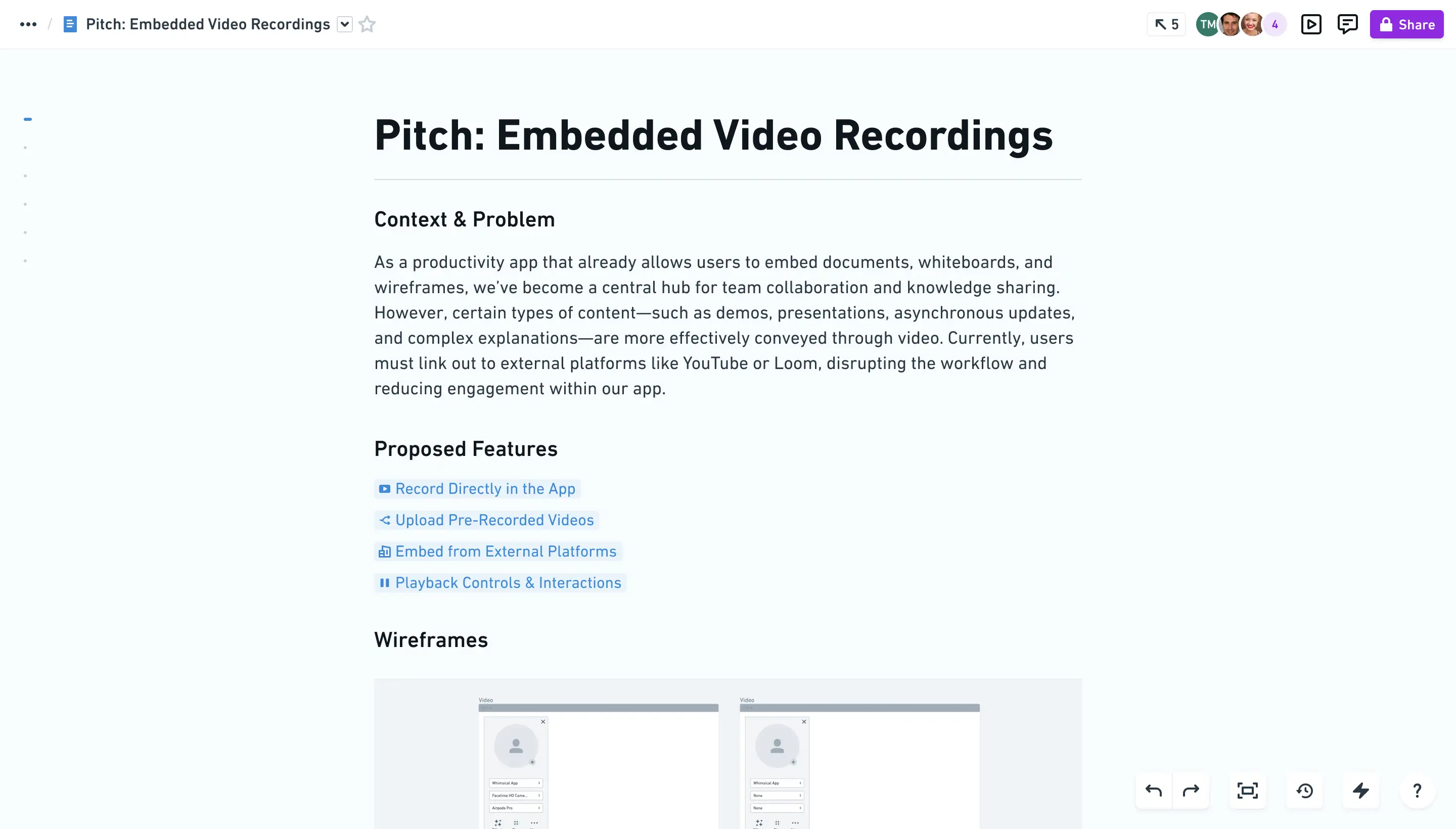
Align your team with clear, focused docs. No meetings required.
Align your team with clear, focused docs. No meetings required.
Flexible formatting
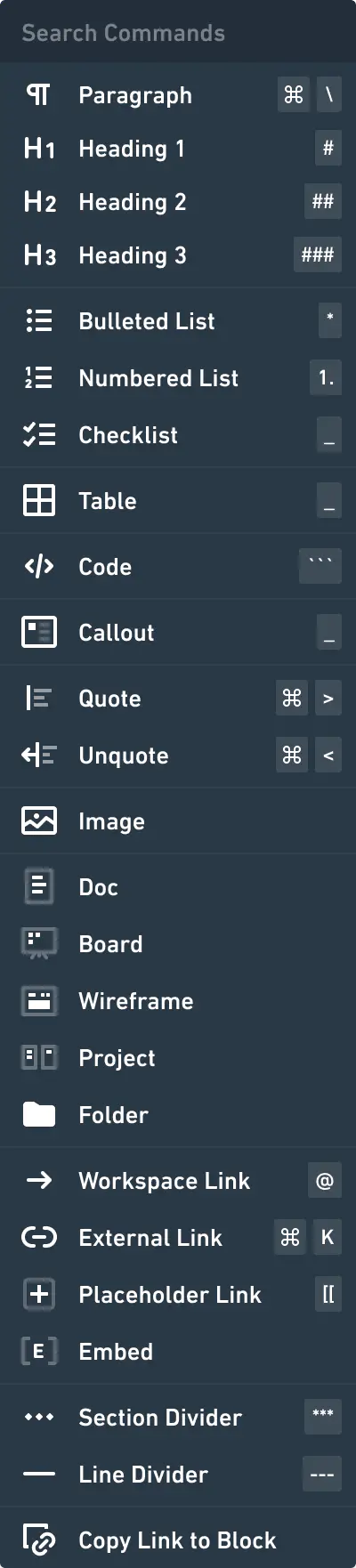
Use the toolbar or Markdown to quickly format headings, code blocks, lists, and more.






Embed live files
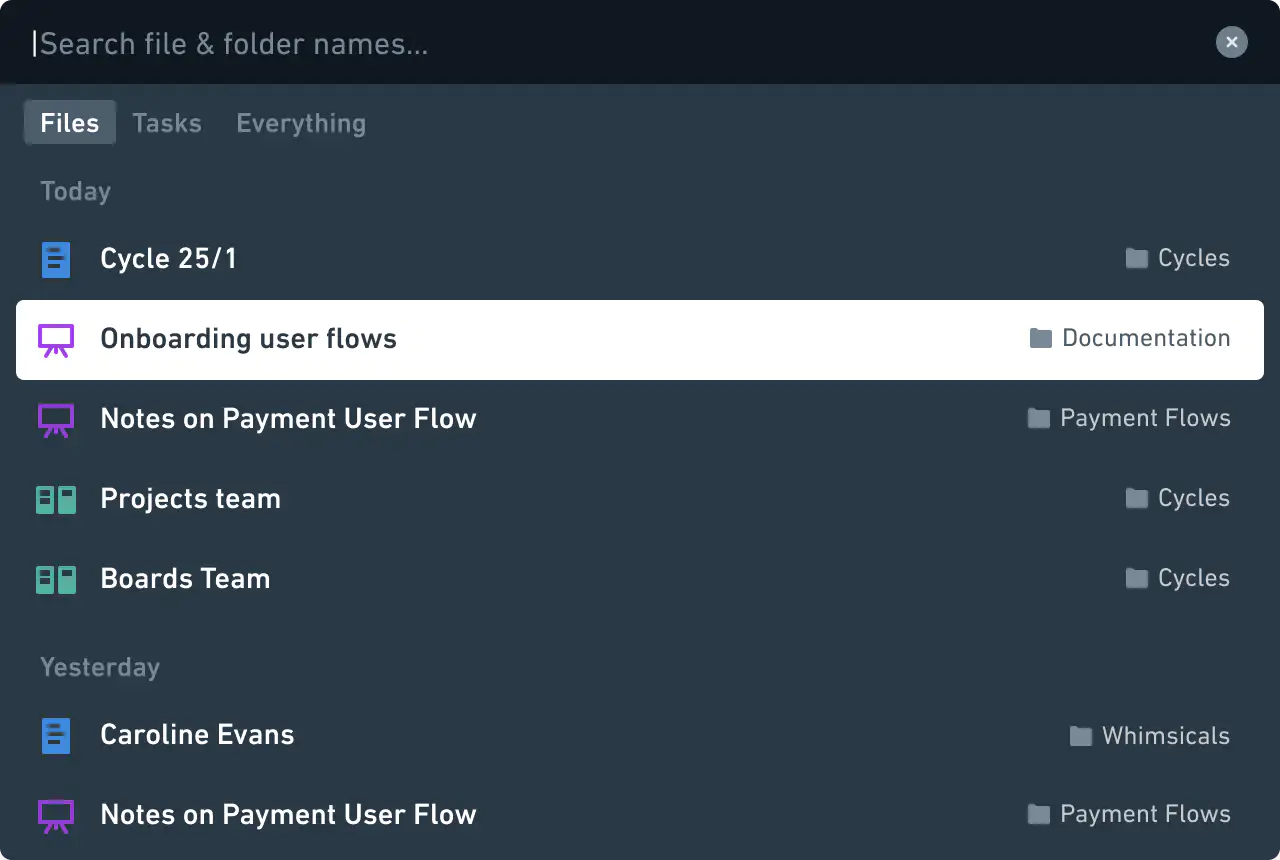
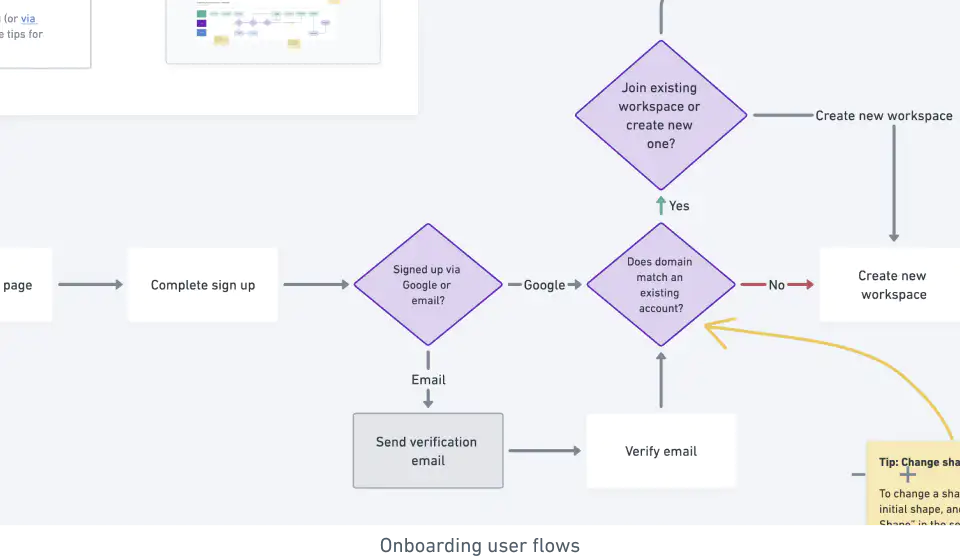
Created new nested files within your docs or embed existing files to surface important information at the right time.




done right
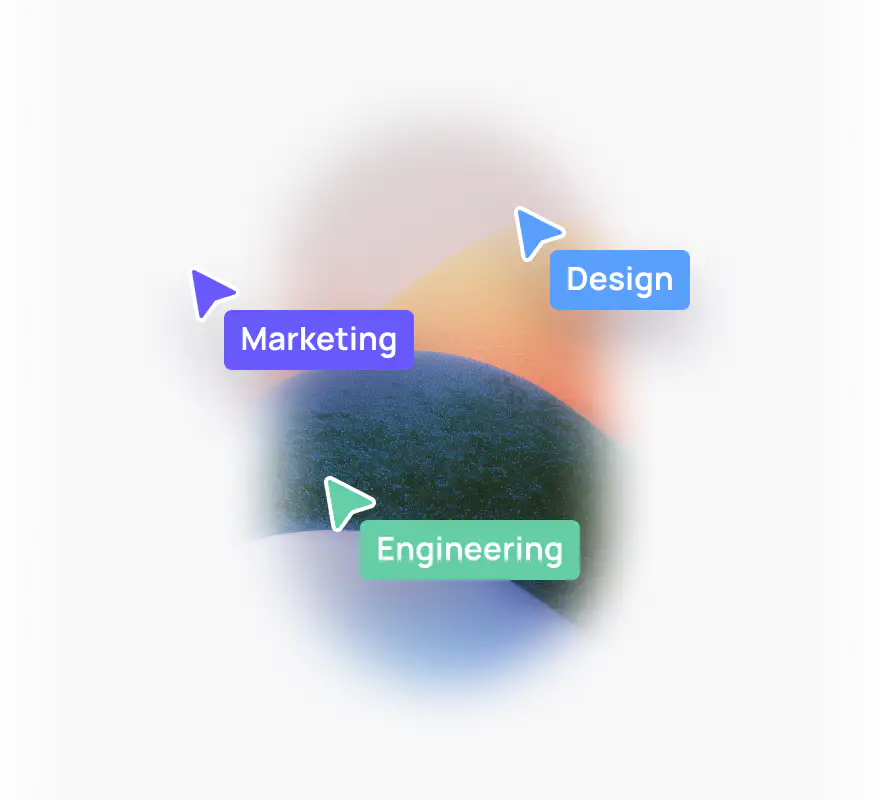
Multiplayer editing
Work together in real-time to keep your momentum going.
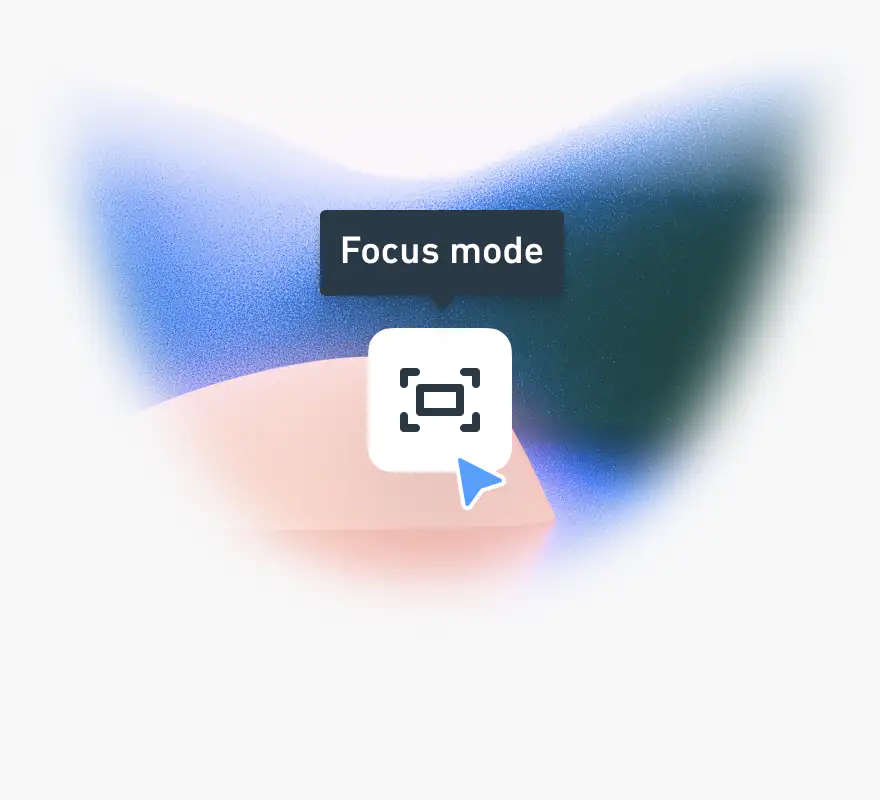
Focus mode
Enjoy a full-screen writing experience that removes all distractions.
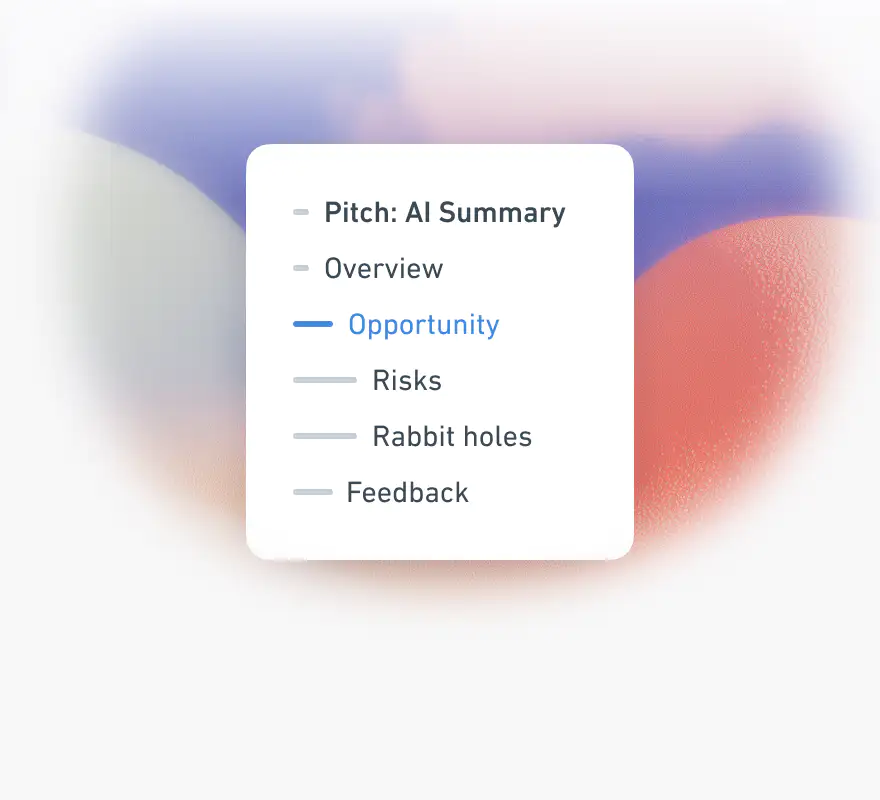
Table of contents
Updates automatically so you can quickly jump to any section.

Comments
Have focused conversations where the work happens, without the noise of chat apps.

Images and video
Upload images or embed videos from Loom, YouTube, and more to provide context.

Version history
View previous versions of your docs and restore them to an earlier state.
Frequently asked questions
- Yes. Whimsical's Free plan includes unlimited docs and unlimited guests. On the Free plan you can add up to 50 new doc blocks per month, where a block is a single piece of content such as a paragraph, a heading, a list item, an image, or an embed. The Pro plan removes that limit for $12 per editor per month, or $10 per month when billed annually.
- Yes. You can format a doc with Markdown as you type, paste Markdown straight into a doc, and drop Markdown files onto a folder to turn them into docs. You can also export a doc as Markdown from the Share menu.
- Yes. You can create a board inside a doc or embed an existing one, and it shows as a preview in the doc. Embedded boards stay in sync with the original, so a flowchart, wireframe, or mind map in a doc is always current.
- You can embed content from Figma, Airtable, Loom, YouTube, Vimeo, Canva, Hex, and CodePen in a Whimsical doc, as well as Whimsical boards. You can also upload images.
- Yes. Whimsical docs are collaborative in real time, so several people can write in the same doc and see each other's changes as they happen. You can comment on a doc, share it by link with view, comment, or edit access, and restore earlier versions from version history.
- Yes. Whimsical docs have code blocks with syntax highlighting, along with headings, lists, toggle lists, and collapsible headings. Focus mode gives you a full-screen writing view, and the table of contents updates automatically.
An infinite canvas to capture all your ideas


Boards
An infinite canvas for diagrams, wireframes, and whiteboards.


Diagrams
Quickly capture ideas and create shared understanding.


Flowcharts
Explore and validate interaction flows.


Mind maps
Expand and organize ideas before refining a solution.


Whimsical AI
Generate diagrams, brainstorm ideas, and organize information in seconds.


Wireframes
Build wireframes with drag-and-drop components.