
Create clarity with flowcharts, mind maps, and other diagrams
Quickly capture ideas and create shared understanding with eye-catching diagrams everyone can use.
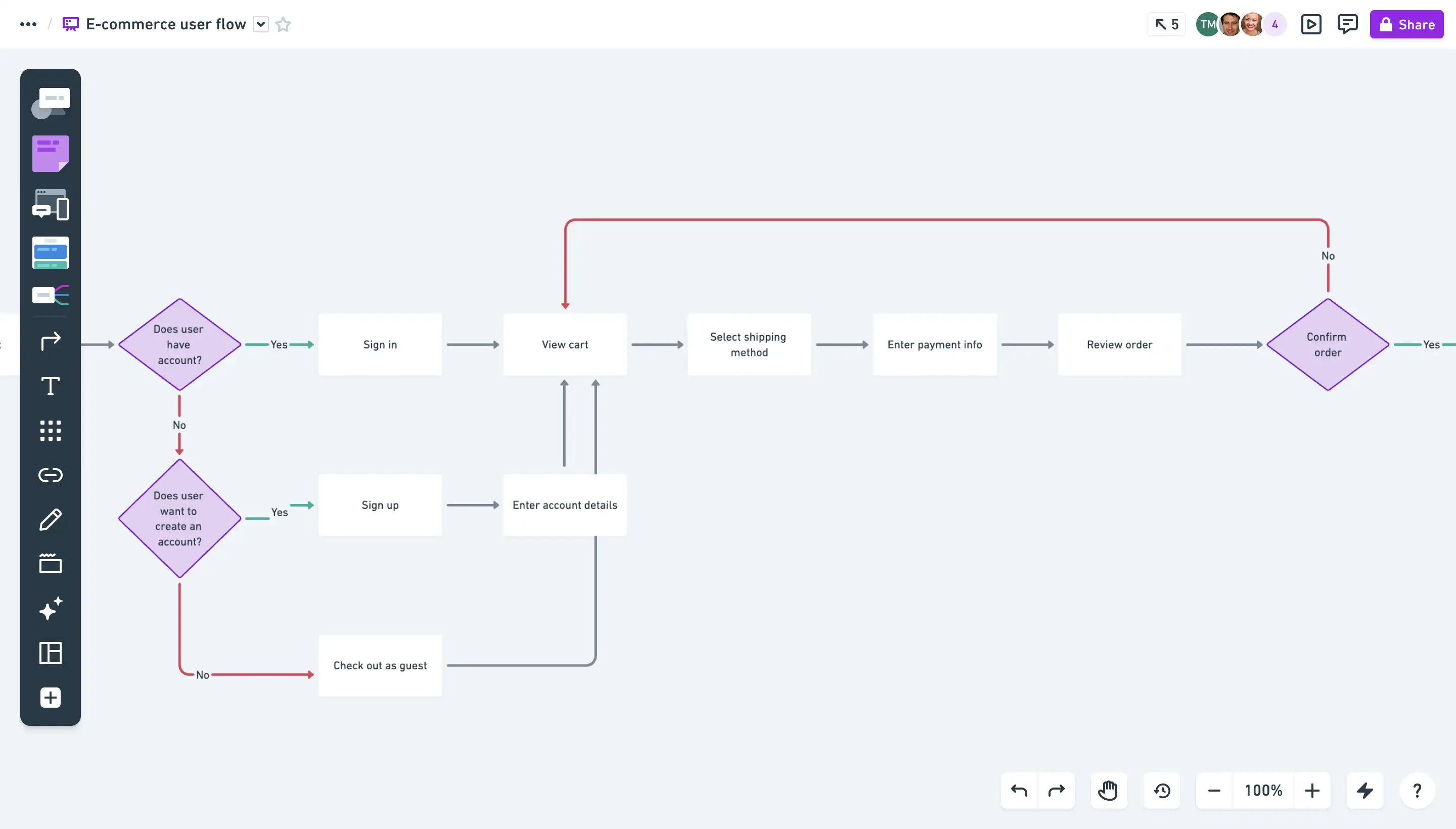
We didn’t invent diagrams, but we made them collaborative, intuitive, and fun
We didn’t invent diagrams, but we made them collaborative, intuitive, and fun
Flowcharts
Effortlessly build and communicate complex processes with an intuitive interface, predictive shapes, infinite canvas, and keyboard shortcuts.
Flowcharts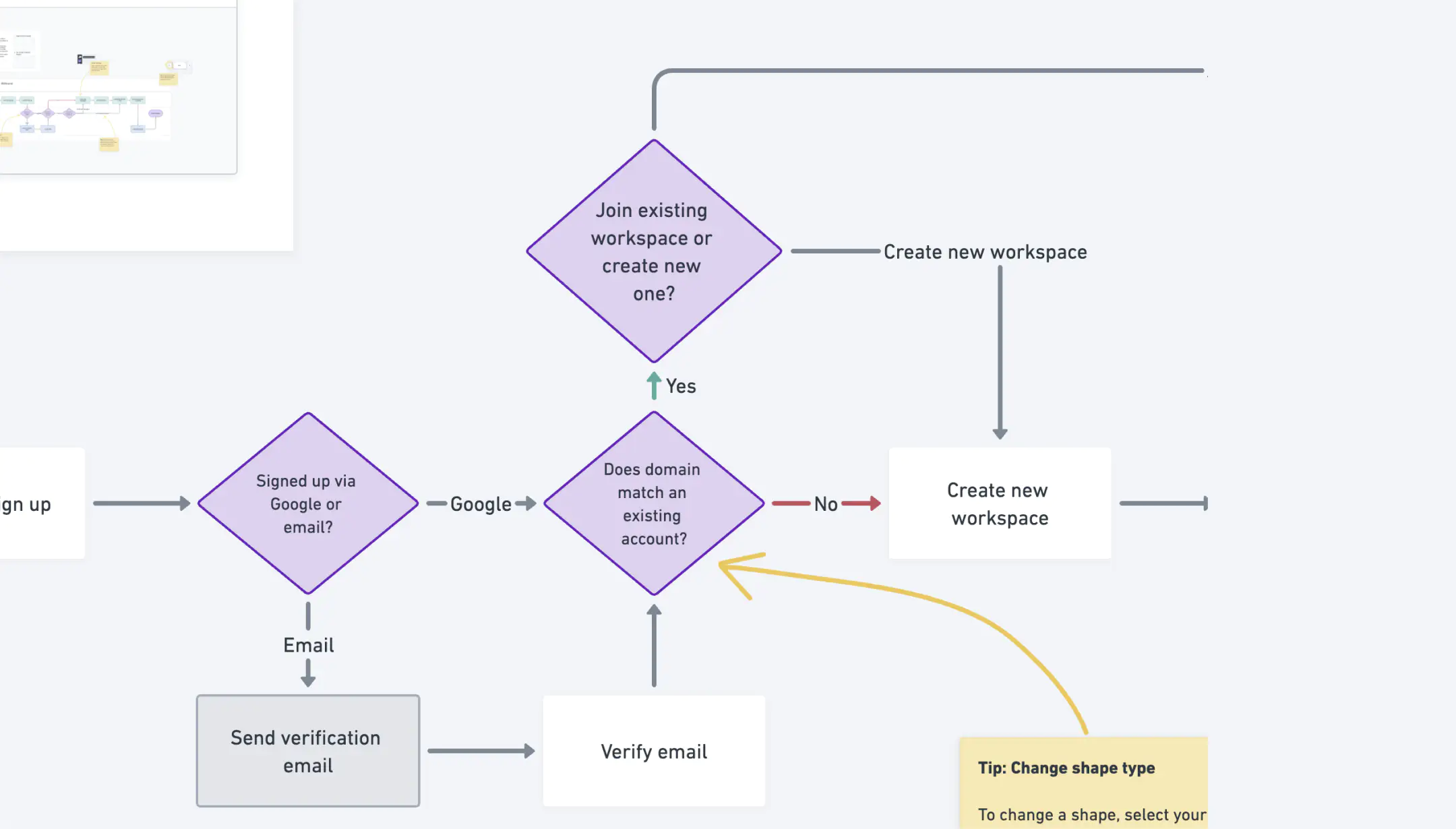


Mind maps
Visualize and organize your ideas into beautiful mind maps with automatic layouts, movable branches, and links to related files or tasks.
Mind maps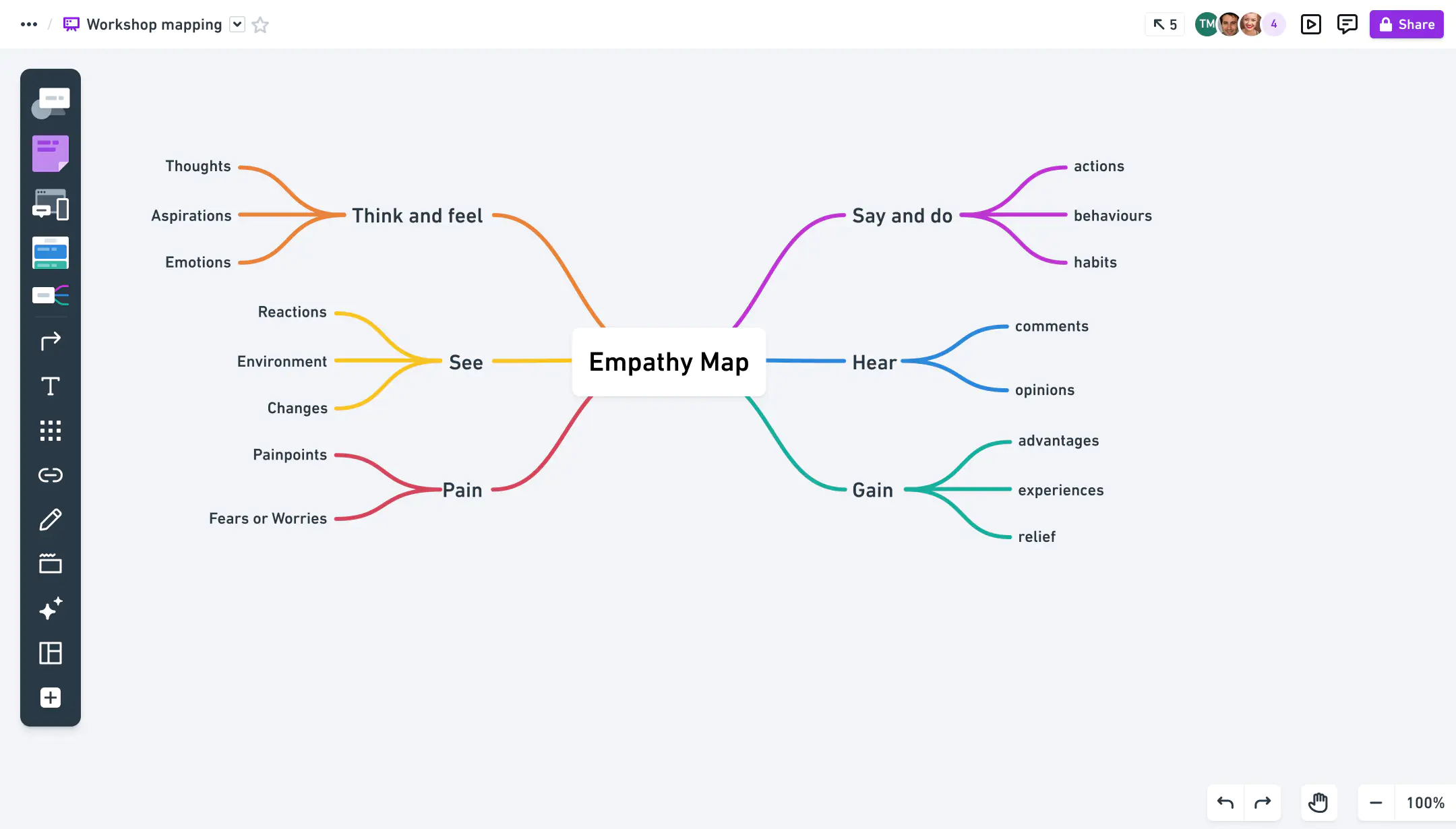
Connect your agent
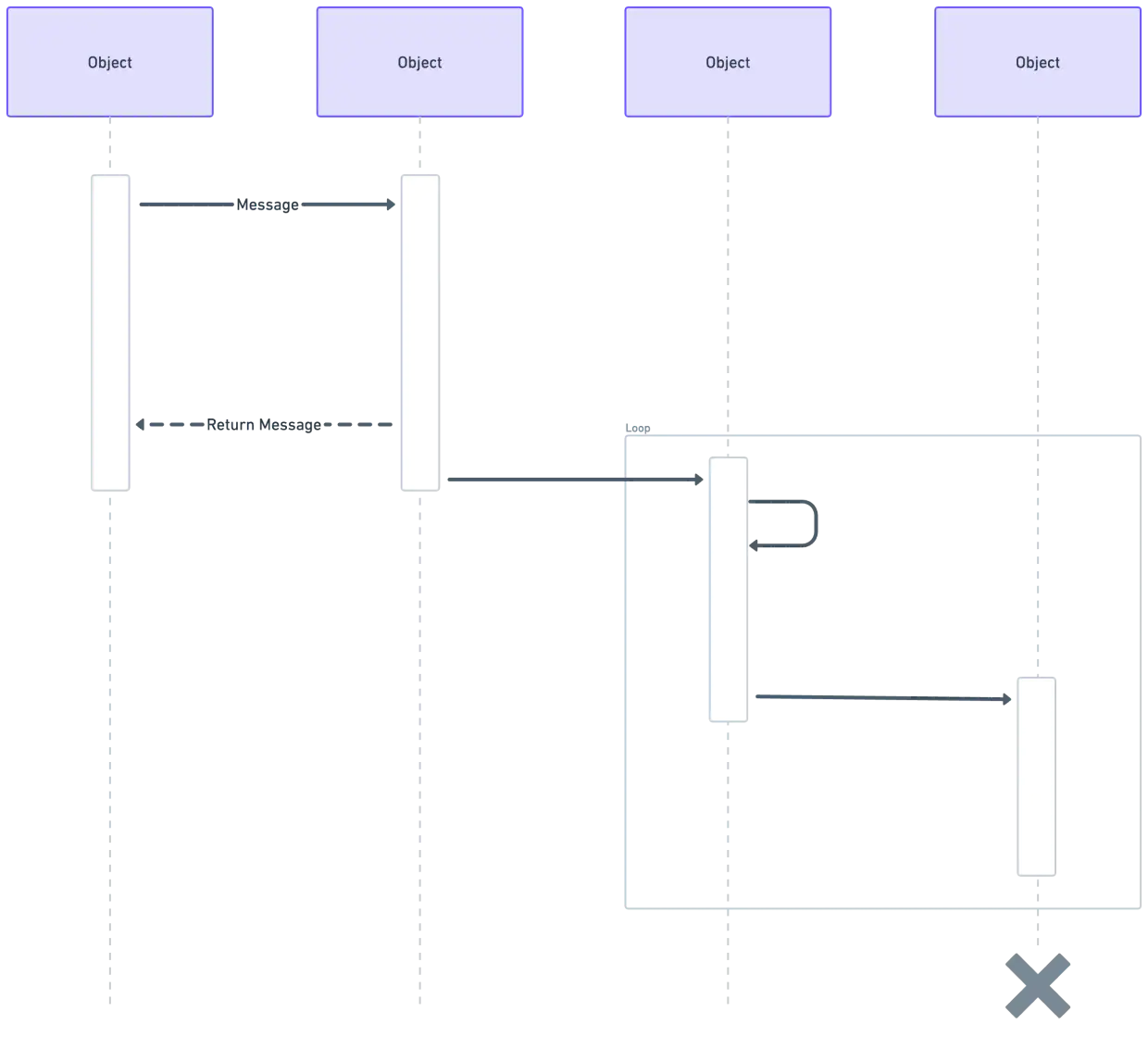
Connect Claude, ChatGPT, Cursor, or another AI agent and have it create flowcharts, mind maps, and sequence diagrams on your board.
Whimsical AI
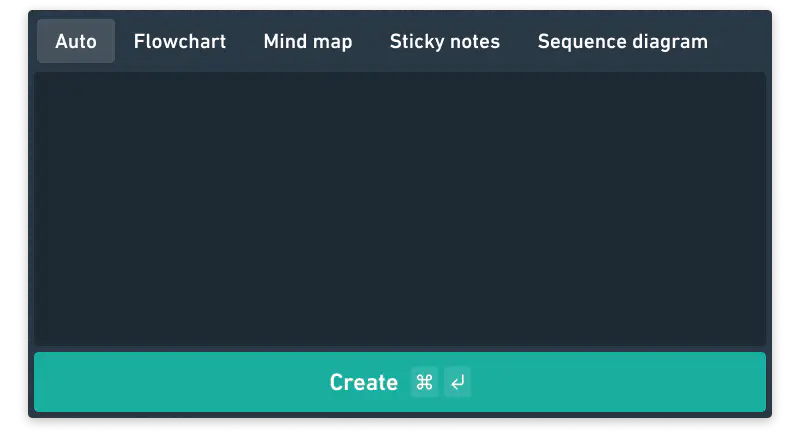



done right
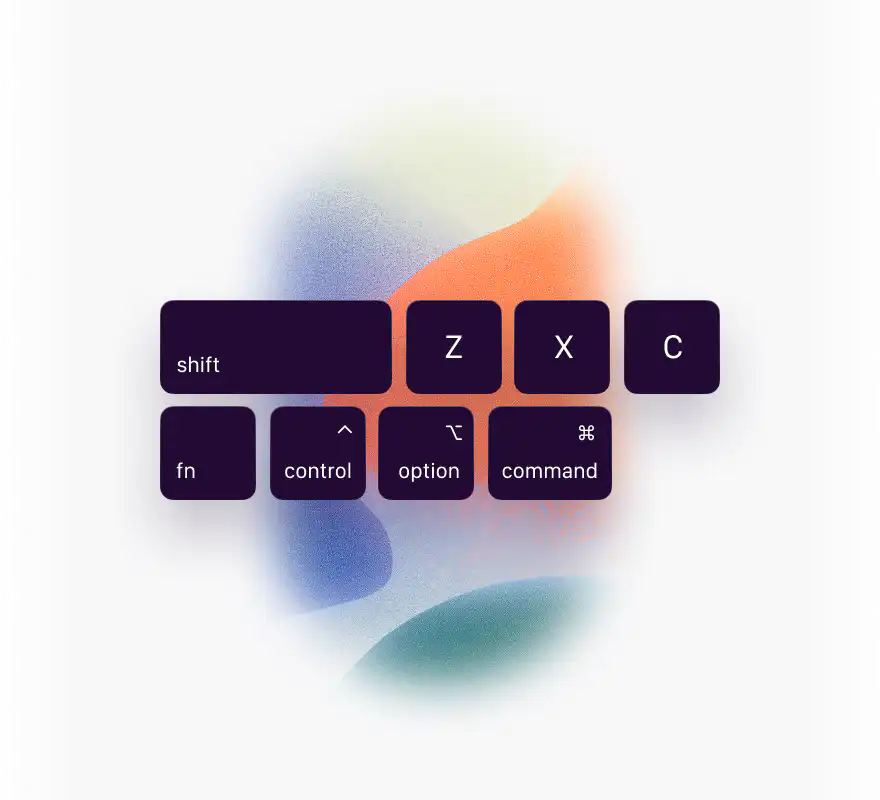
Built for speed
Optimized for speed and efficiency to keep you in a state of flow.

Multiplayer editing
Work together in real-time to keep your momentum going.

Templates from experts
Jump start your thought process with our library of helpful templates.

Comments
Have focused conversations where the work happens, without the noise of chat apps.
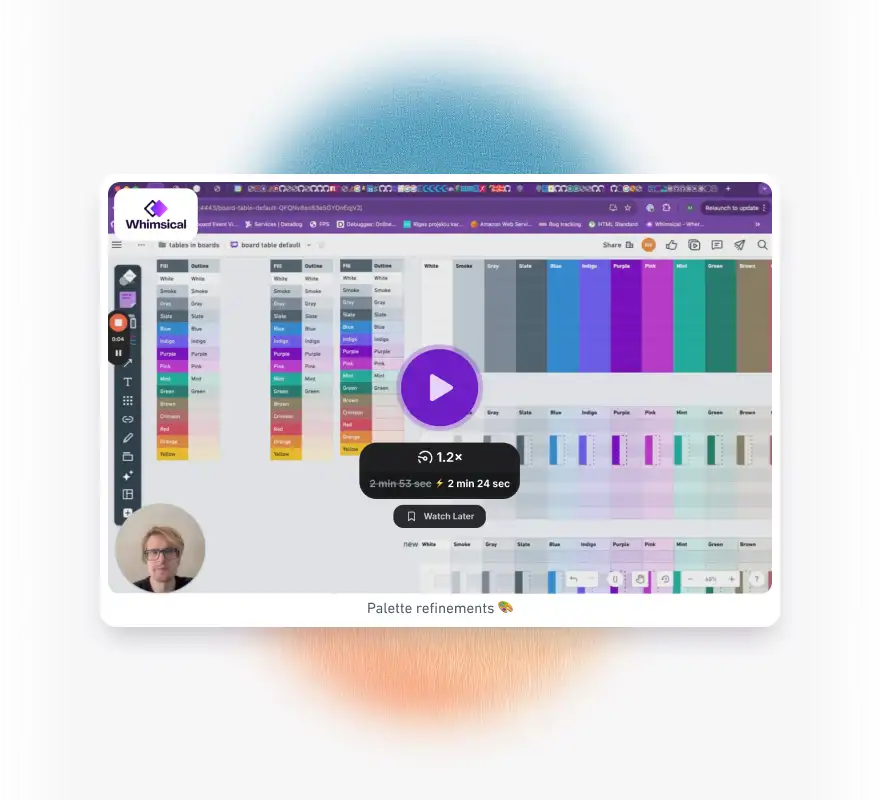
Images and video
Upload images or embed videos from Loom, YouTube, and more to provide context.

Time machine
View and replay full change history and restore to an earlier state.
Frequently asked questions
- You can make flowcharts, mind maps, sequence diagrams, ER diagrams, and cloud architecture diagrams in Whimsical, all on the same board. Whimsical includes AWS, Google Cloud, and Azure icons for architecture diagrams.
- Yes. Whimsical's Free plan includes the diagram maker, with unlimited boards and unlimited guests. On the Free plan you can create up to 50 new board objects per month, and exports carry a Whimsical watermark. The Pro plan removes both limits for $12 per editor per month, or $10 per month when billed annually.
- Yes. Connect Claude, ChatGPT, Cursor, or another AI agent to Whimsical and ask it for a flowchart, mind map, or sequence diagram, and it draws one on your board as a regular diagram you can edit. Connecting an agent is free on every plan.
- Yes. Paste Mermaid code for a flowchart, ER diagram, or sequence diagram onto a board and it becomes editable shapes and connectors, not a picture. You can also copy a diagram back out as Mermaid code.
- Yes. Add a sequence diagram actor from the diagram shapes on a board, paste Mermaid code, or ask an AI agent you've connected to draw the sequence diagram for you.
- Yes. Copy a diagram in Lucidchart, Miro, FigJam, or draw.io and paste it onto a Whimsical board, where shapes, connectors, and text arrive as editable objects. Visio drawings import by dropping the .vsdx file onto a board.
An infinite canvas to capture all your ideas


Boards
An infinite canvas for diagrams, wireframes, and whiteboards.


Docs
Clutter-free docs to align your team and move work forward.


Flowcharts
Explore and validate interaction flows.


Mind maps
Expand and organize ideas before refining a solution.


Bring your own agent
Use Whimsical with the AI agent of your choice to create and edit diagrams, wireframes, and docs.


Wireframes
Build wireframes with drag-and-drop components.