Brand
Get all logo versions.
Download 



Generate diagrams from ChatGPT
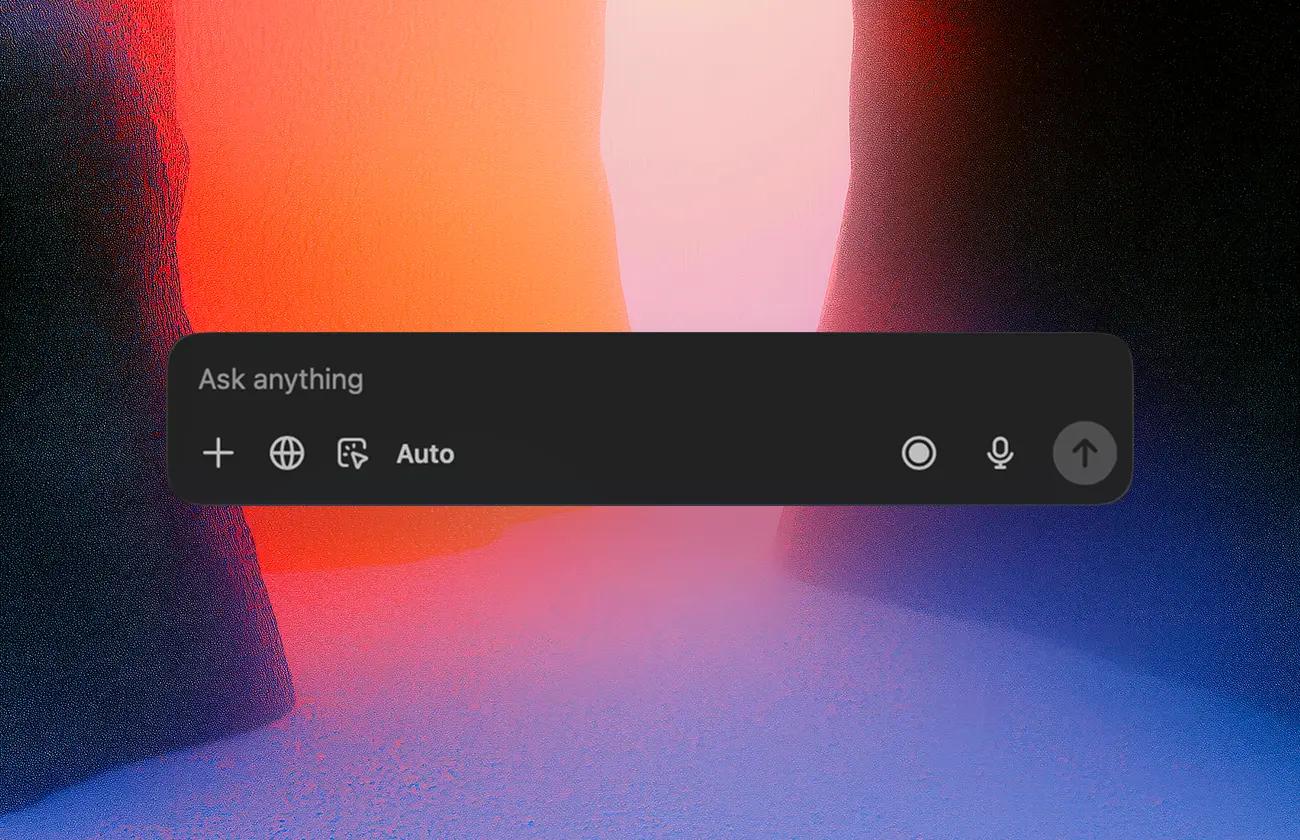
The official Whimsical plugin for ChatGPT lets you turn ideas into diagrams without leaving ChatGPT. Describe what you're thinking and get back a polished flowchart, mind map, sequence diagram, or wireframe instantly.
To add the Whimsical to your ChatGPT:
After the plugin is connected to ChatGPT, you can use it directly in any chat by:
Whimsical uses the full context of your ChatGPT conversation — including images, code, links, and uploaded files — to generate diagrams from text, screenshots, or documents. You can also search your Whimsical workspace directly from the ChatGPT app to pull up existing boards, reference past work, or build on top of diagrams you've already created.
Examples of what you can do: