Brand
Get all logo versions.
Download 



Control boards from your terminal
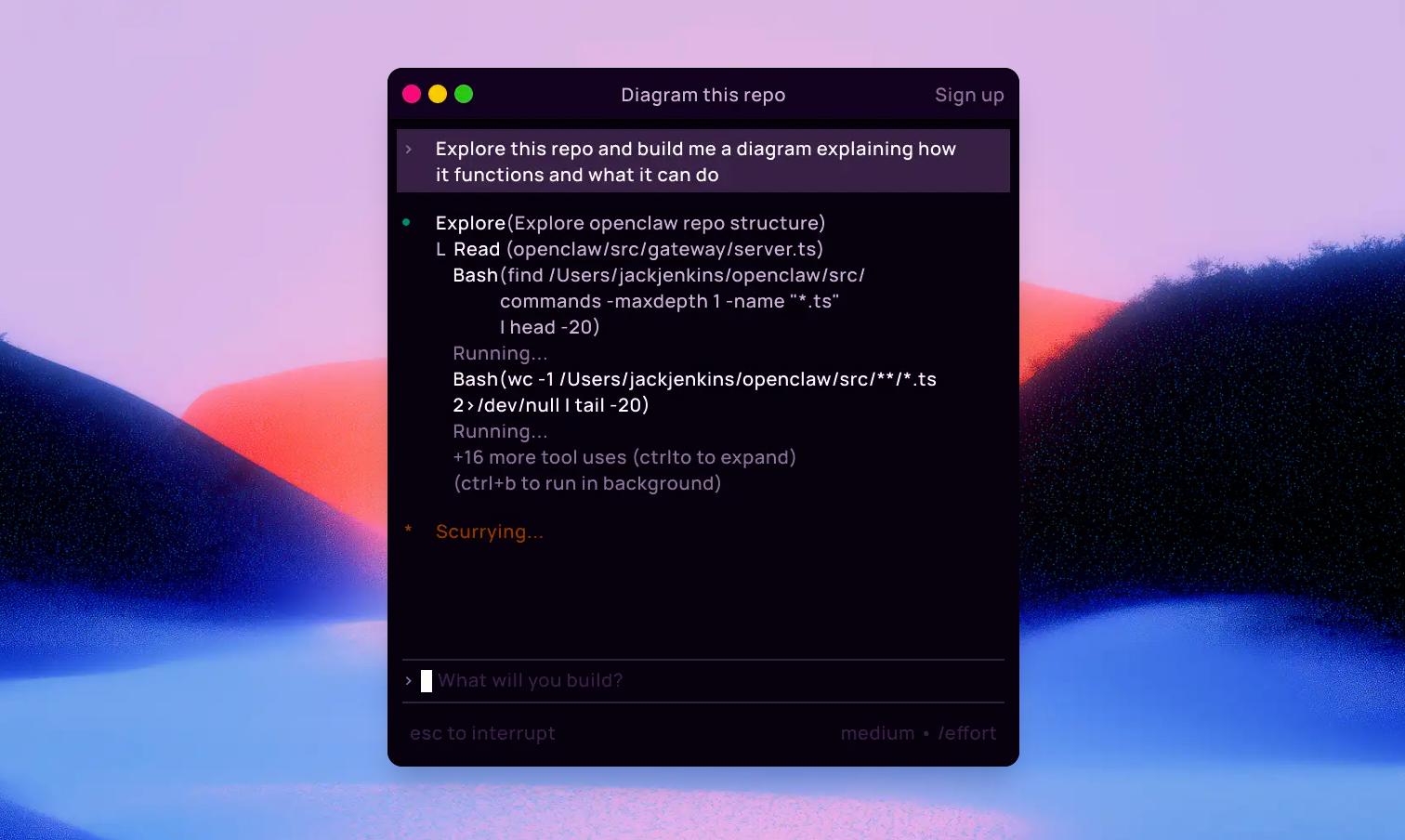
Give Claude Code a direct line to your Whimsical workspace so it can turn your codebase into clear visual diagrams. Ask it to map authentication flows, chart service dependencies, or generate a sequence diagram from your API logic, and see the results live in Whimsical.
Run this in your terminal:
Then start a Claude Code session and run /mcp to complete the OAuth login to Whimsical. Verify with "What Whimsical tools do you have available?"