Brand
Get all logo versions.
Download 



Visualize your codebase, map your system architecture, generate wireframes, and build prototypes from your wireframes.
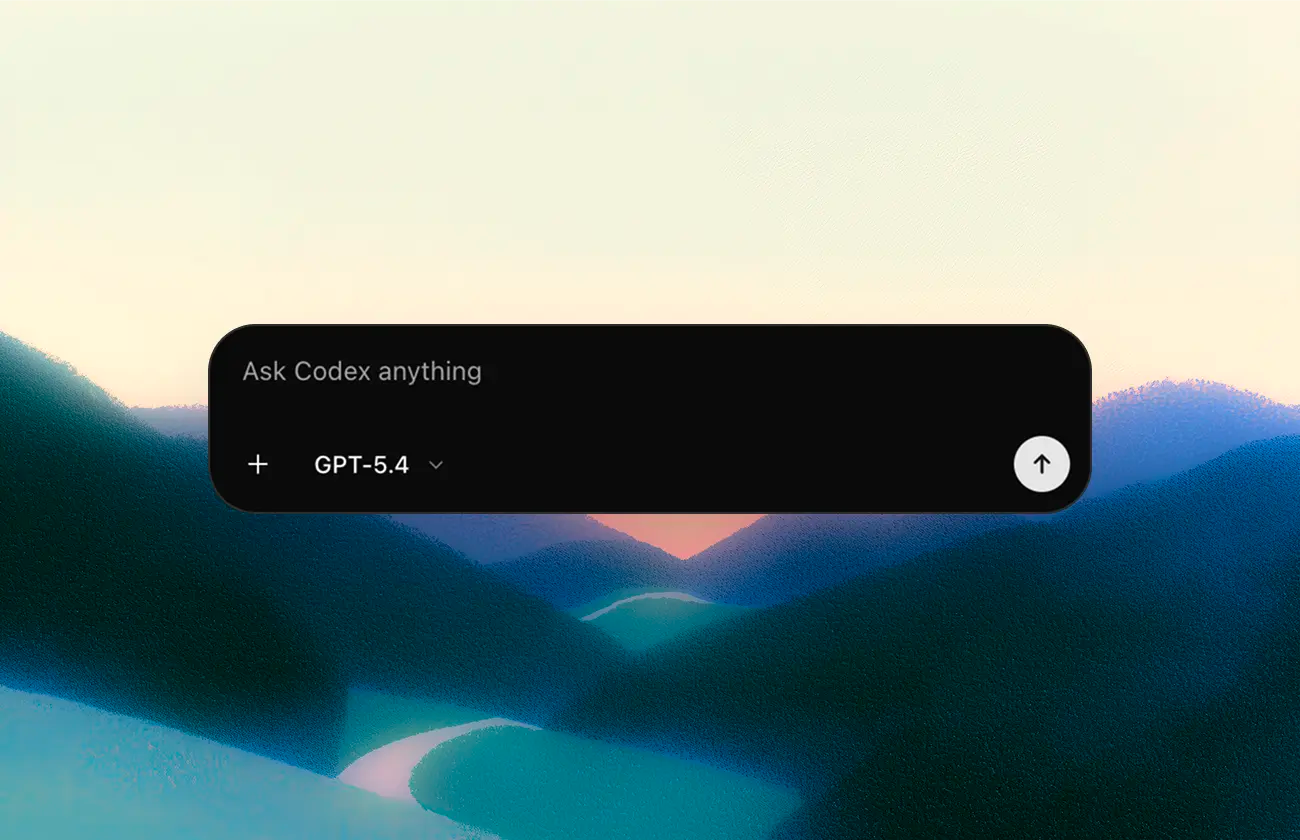
Connect Codex to your Whimsical workspace to visualize your codebase with clear diagrams. Ask it to map authentication flows, chart service dependencies, generate sequence diagrams from API logic, or create architecture diagrams from your code.
Codex can also create wireframes from code or prompts, and even turn those wireframes into working prototypes.
2. If you're using Codex desktop app, run the following prompt:
Need access to local files? If you’d like Codex to work directly with files and code on your machine, you can use Desktop MCP instead. Desktop MCP runs through the Whimsical desktop app, which must remain open while you’re using it. Contact us to learn more.