Whimsical LogoWhimsical LogoWhimsical Logo

Brand
Get all logo versions.
Download
IntegrationsClaude Chat
v1

Claude Chat

Turn any Claude conversation into a diagram
Built by

Whimsical

Website

claude.ai

Resources

Help article

Claude Chat

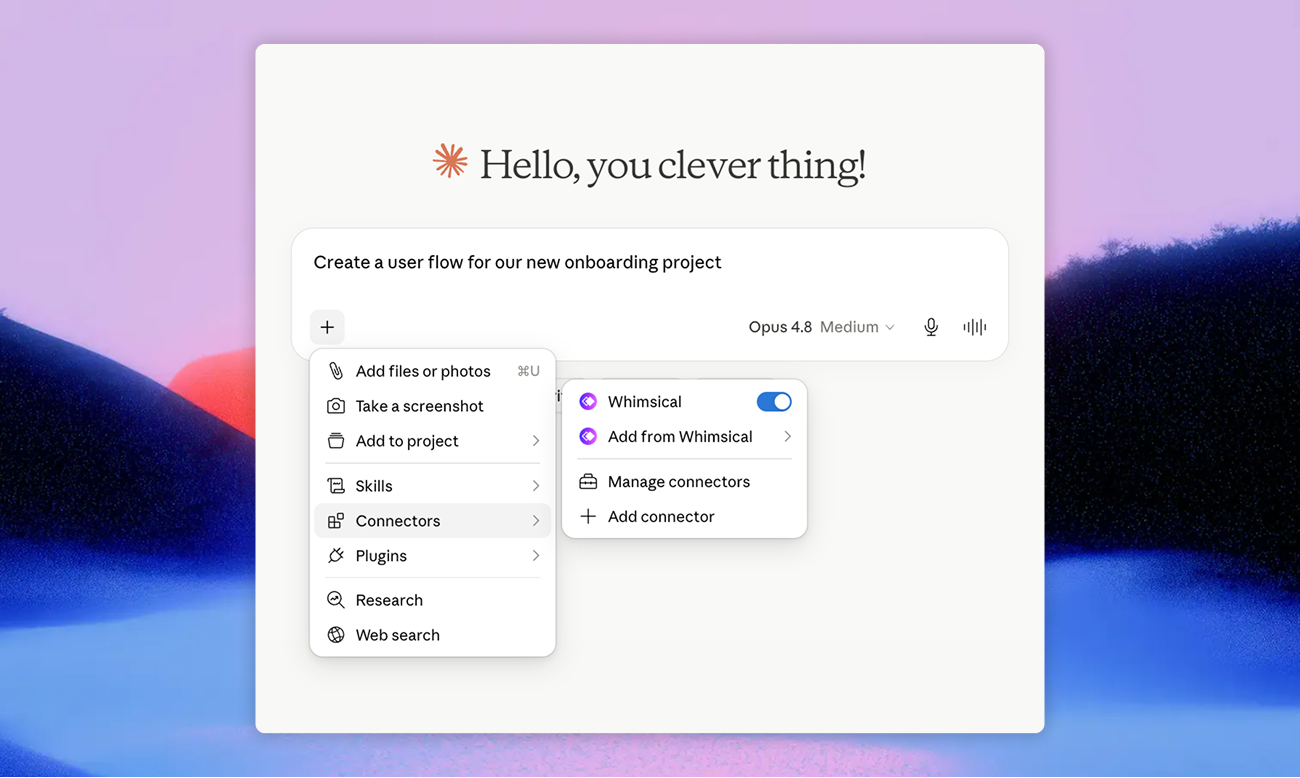
Connect Whimsical to Claude and turn any conversation into a flowchart, mind map, sequence diagram, or wireframe, without leaving the chat. Ask Claude to map a process, summarize a doc as a mind map, or sketch a wireframe from a description, and the boards appear directly in your Whimsical workspace.

Works in both Claude web and the Claude desktop app.

Get set up

Remote MCP:

  1. In Claude, open Customize -> Connectors
  2. Click + -> Add custom connector and enter the URL:
https://mcp.whimsical.com/mcp

Desktop MCP:

Download the MCP installer for Claude Desktop here, and double click the downloaded file to install. Make sure the Whimsical desktop app is installed and running.

Built by

Whimsical

Website

claude.ai

Resources

Help article