Brand
Get all logo versions.
Download 



Connect your work with backlinks and statuses
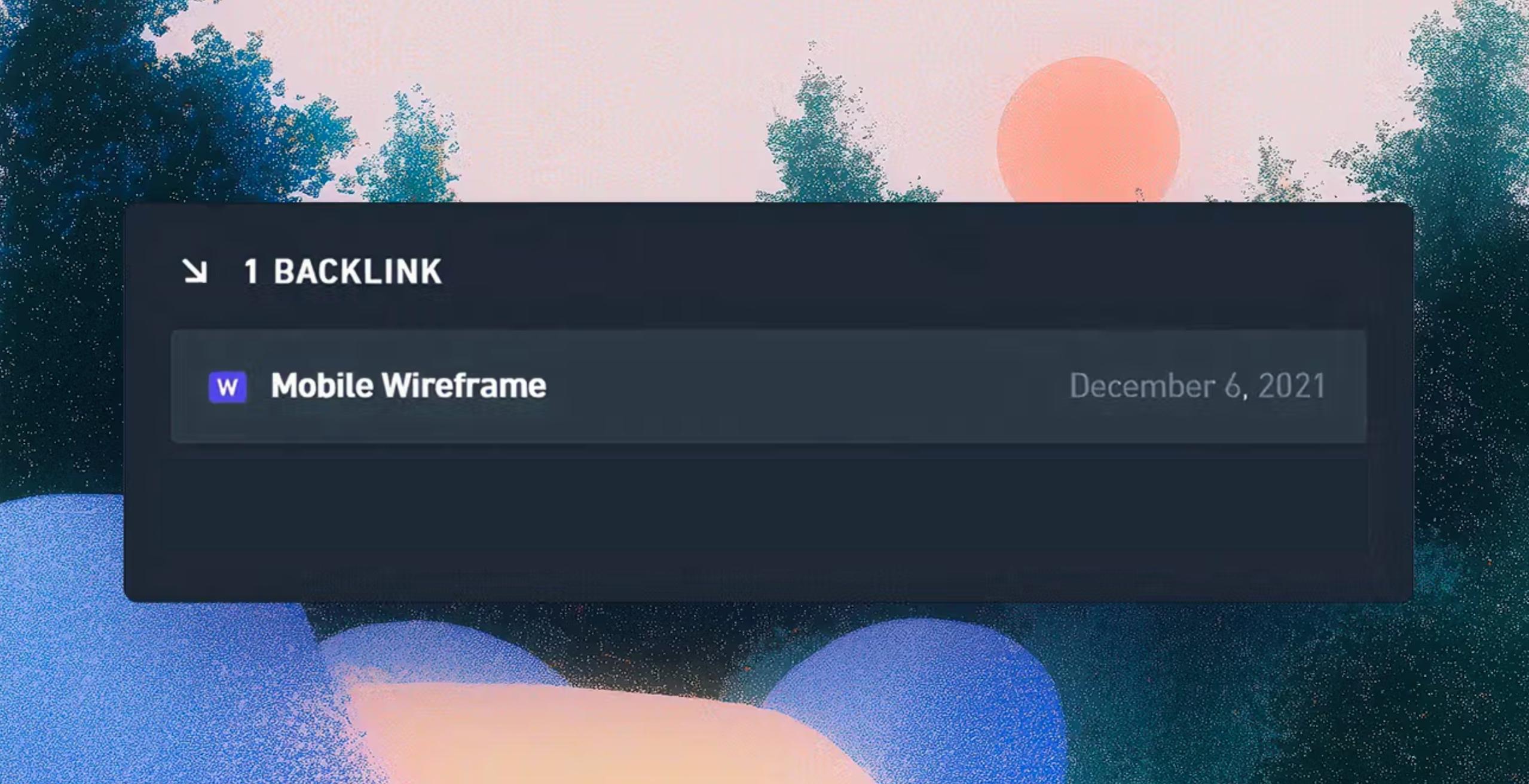
Keep your diagrams and your code in sync. Add links to Whimsical boards in your pull requests, issues, or comments, and a backlink will automatically be added to that Whimsical file.
Backlinks show you the GitHub context, including text excerpts and code diffs, right alongside your boards.
Note: GitHub integration requires a paid Whimsical plan.