Whimsical LogoWhimsical LogoWhimsical Logo

Brand
Get all logo versions.
Download
IntegrationsGoogle Docs
v1

Google Docs

Create new Whimsical files and preview them in Google Docs
Built by

Whimsical

Resources

Help article

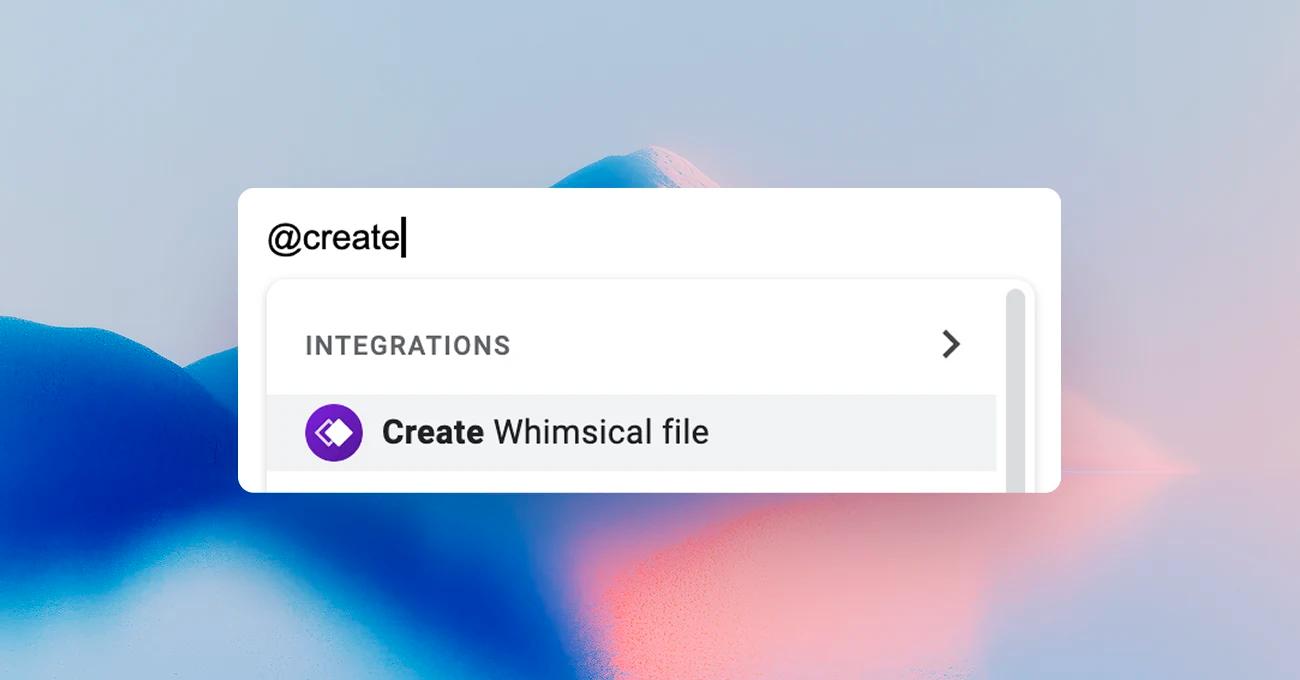
Create Whimsical files and embed live boards in your Google Docs. Use the @ command to spin up a new Whimsical board in any doc, or paste a Whimsical link to convert it into a smart chip with a hover preview. Great for design docs, specs, and wireframes.
Set up the integration

  1. Install the Whimsical add-on from the Google Workspace Marketplace
  2. Open a Google Doc and authorize your Whimsical account when prompted
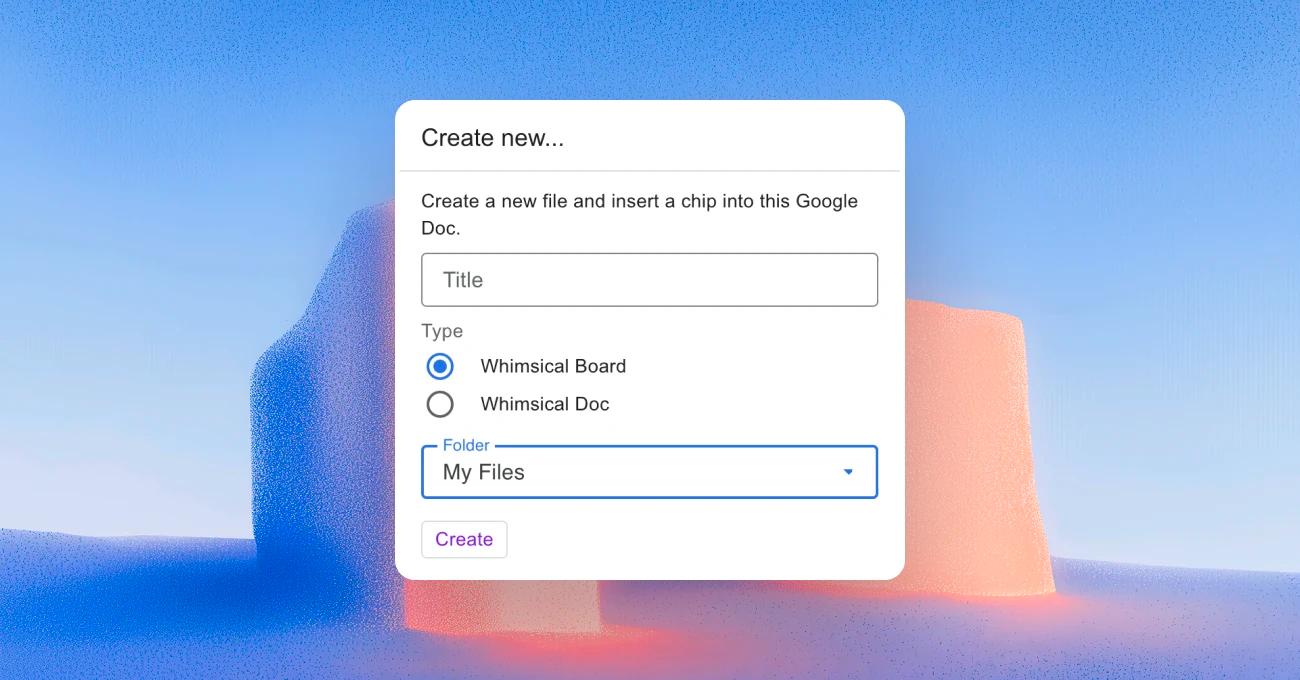
  3. To create a new file: type @, search for Create Whimsical file, and give it a title
  4. To embed a preview: paste a Whimsical link and select Convert to smart chip

Built by

Whimsical

Resources

Help article