Whimsical LogoWhimsical LogoWhimsical Logo

Brand
Get all logo versions.
Download

Jira

Preview Whimsical boards and create smart links in Jira
Built by

Whimsical

Resources

Help article

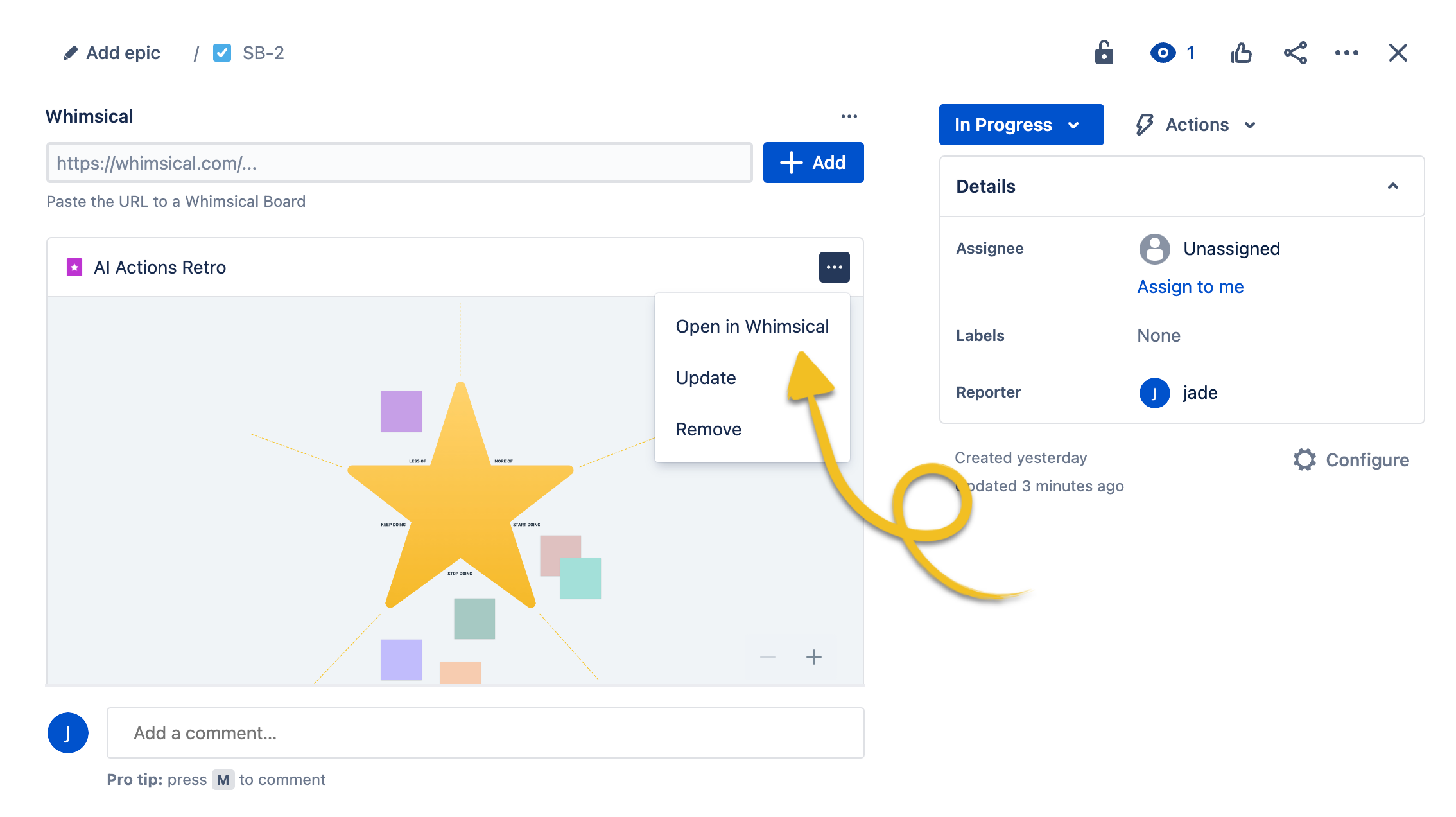
Attach Whimsical boards directly to Jira issues so your visual context lives alongside your tasks. Embed flowcharts, wireframes, and diagrams without anyone needing to leave Jira. Teammates can pan and zoom the board, jump into Whimsical to comment, and always have the latest version at a glance.

Get set up

  1. Install the Whimsical integration from the Atlassian Marketplace (one admin installs it for your whole workspace)
  2. Open a Jira issue and click the Whimsical app in the sidebar
  3. Click Allow access to authorize your Atlassian account
  4. Paste a Whimsical board link to embed it in the issue
Note: Works with Jira Cloud only.

Built by

Whimsical

Resources

Help article