Whimsical LogoWhimsical LogoWhimsical Logo

Brand
Get all logo versions.
Download
v1.3

Linear

Keep related work within reach

Built by

Whimsical

Website

linear.app

Resources

Help article

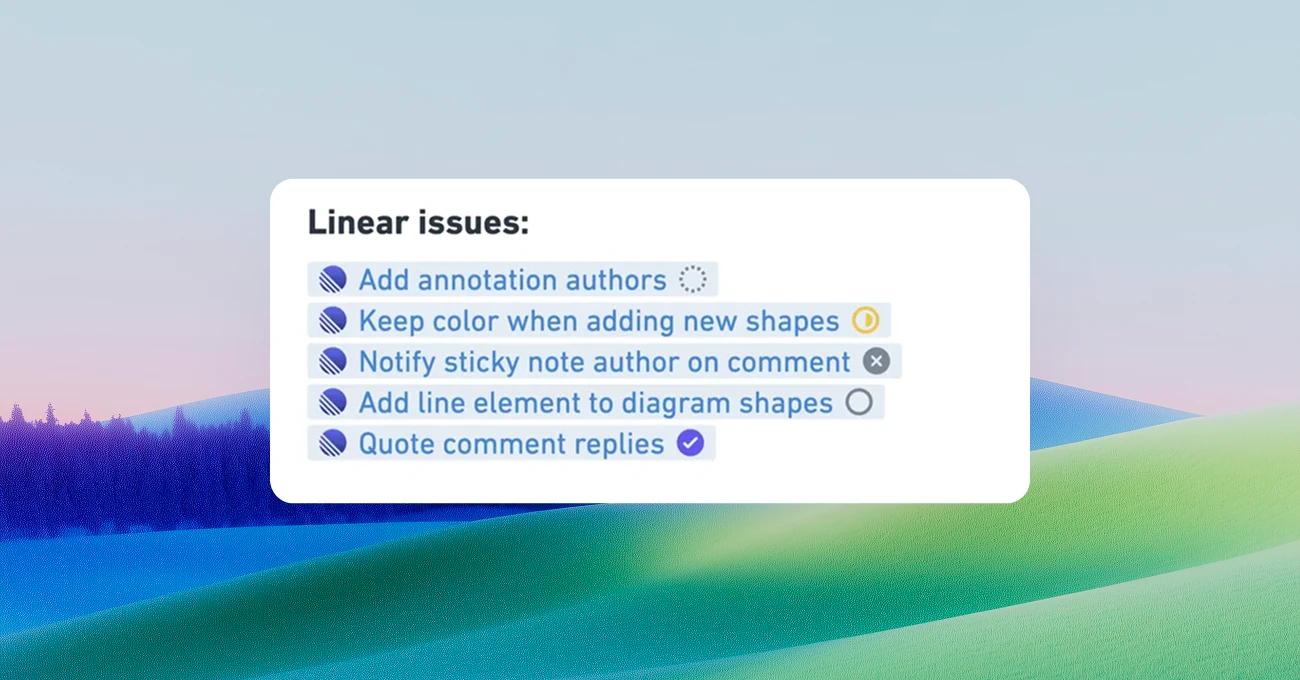
With our Linear integration installed, you can paste links to Linear issues in Whimsical and they'll render as a live preview, showing issue title and status as they update.

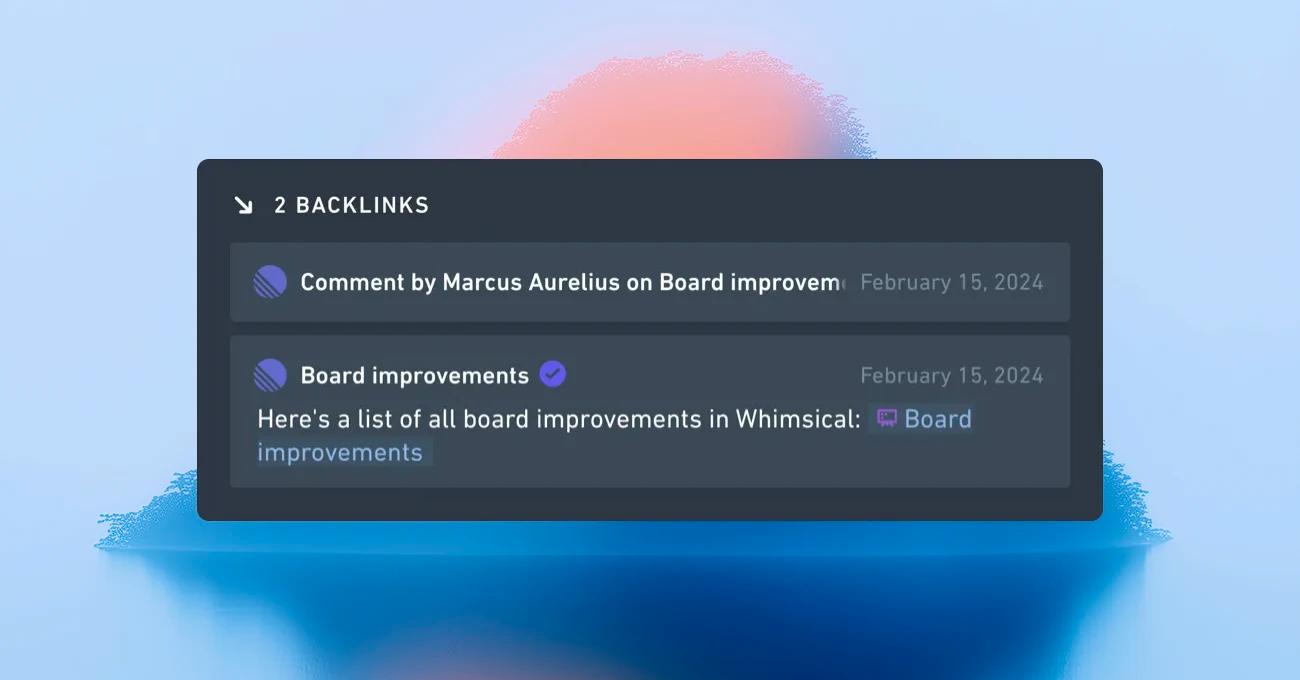
When someone mentions a Whimsical board in a Linear issue, a backlink appears in the Whimsical file automatically, so you always know what work a diagram is connected to.
Get started

  1. Go to the integrations page in your Whimsical settings
  2. Click Install under the Linear app
  3. Sign in to Linear and grant Whimsical access to your workspace
  4. Paste Linear links into Whimsical boards, or mention Whimsical links in Linear to start generating backlinks

Built by

Whimsical

Website

linear.app

Resources

Help article