Brand
Get all logo versions.
Download 
Embed live boards and create diagrams with Notion AI
Whimsical works with Notion in two ways:
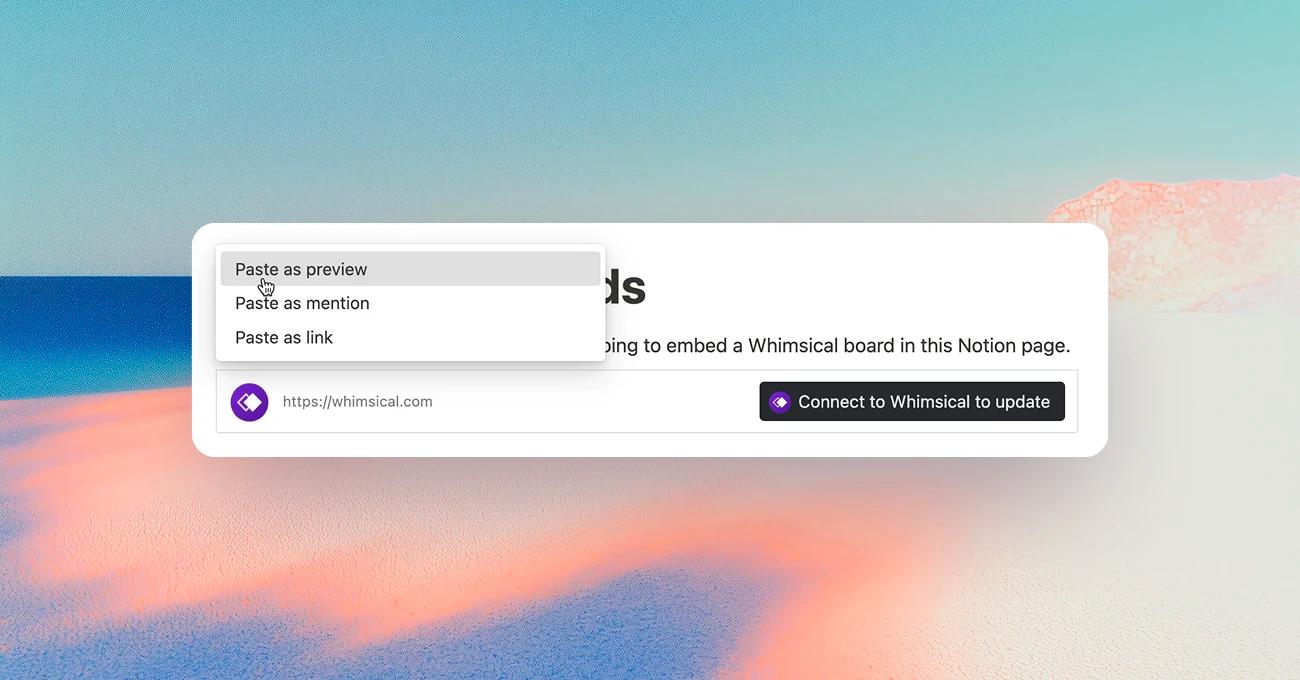
Paste a link to any Whimsical board into a Notion page and it shows up live. Whether it's a flowchart in a PRD, a mind map in meeting notes, or a wireframe in a design spec, your diagrams stay in context, viewable by anyone with access to the page, no Whimsical account required.
Connect Whimsical to your Notion Agent and it can draw for you from chat: turn meeting notes into a flowchart, a PRD into a user flow, or a brainstorm into a mind map, all as editable Whimsical boards. It can also find and read the boards and docs in your Whimsical workspace when you ask.
You need a Notion Business or Enterprise plan. Whimsical is added as a custom MCP server, so a workspace admin has to allow custom MCP servers first, in Settings → Connections → Manage.
Each teammate connects Whimsical with their own Whimsical account. Custom Agents have their own connections: to use Whimsical in one, open the agent’s Settings → Tools & Access, click Add connection → Custom MCP server, and enter the same URL.