Obsidian
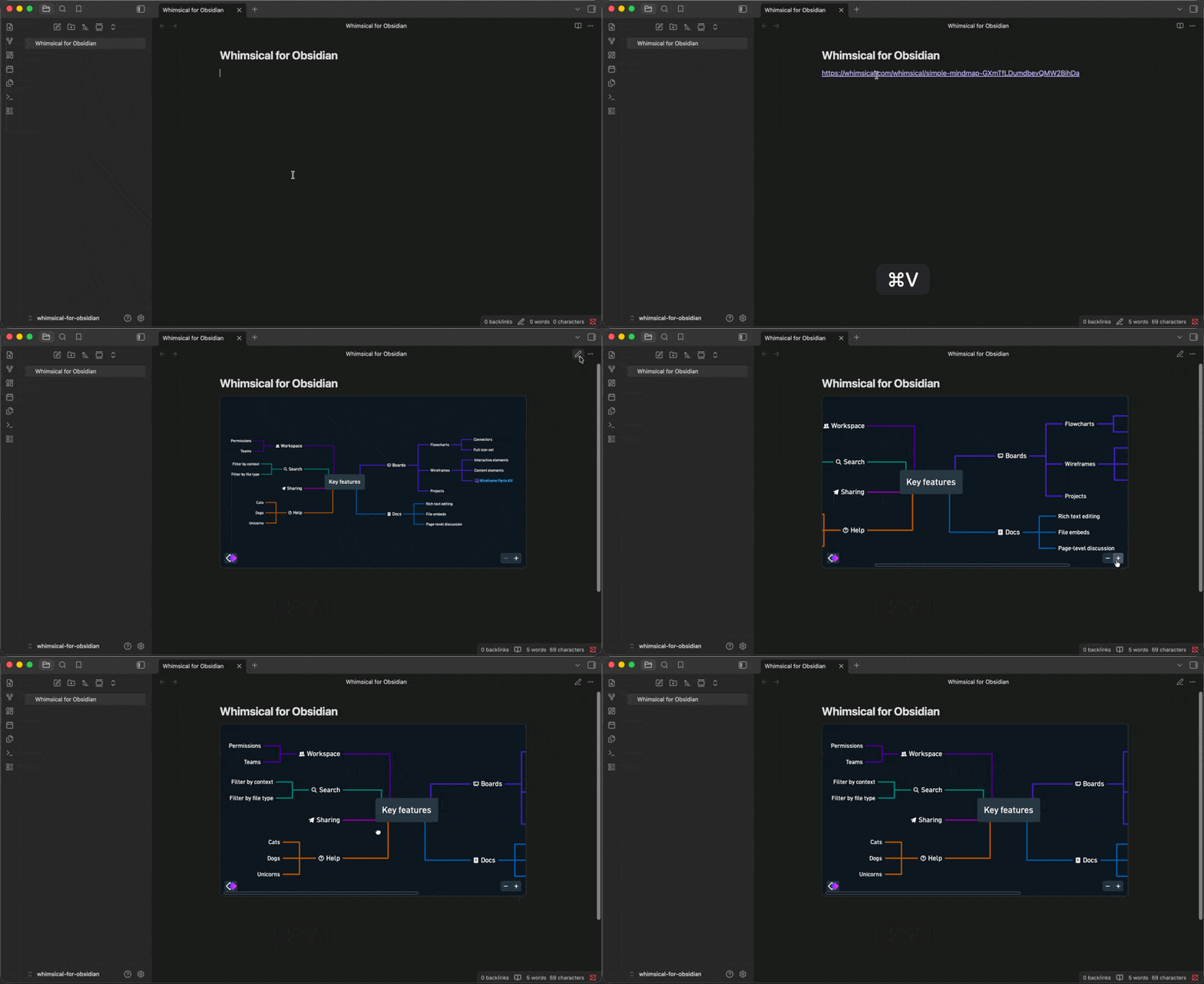
Embed live Whimsical boards directly in your Obsidian notes. Paste a board link on its own line, switch to Reading view, and the board renders inline — pan, zoom, and explore your flowcharts, mind maps, and wireframes without leaving your vault.
Boards follow your Obsidian theme, so they look right in both light and dark mode. Public boards render straight away; private boards show a Whimsical sign-in inside the note itself.
Get set up
- In Obsidian, open Settings → Community plugins → Browse
- Search for Whimsical, then install and enable the plugin
- In Whimsical, copy the link to the board you want to embed
- Paste the link on its own line in a note
- Switch to Reading view to see the live board
Good to know
- A link mentioned mid-sentence stays a plain link, so your prose is never interrupted by a full-size embed
- A link to a specific frame or presentation embeds too, and opens right at that frame
- Template links aren’t boards, so they stay plain links
- Desktop only — the plugin doesn’t run on Obsidian mobile
- The plugin is open source and MIT-licensed