Whimsical LogoWhimsical LogoWhimsical Logo

Brand
Get all logo versions.
Download
v2.1

Slack

View rich previews and comments in your Slack channels

Built by

Whimsical

Website

slack.com

Make every Whimsical link worth sharing. When you drop a Whimsical board into Slack, it unfurls as a rich image preview so your teammates can see what's inside.
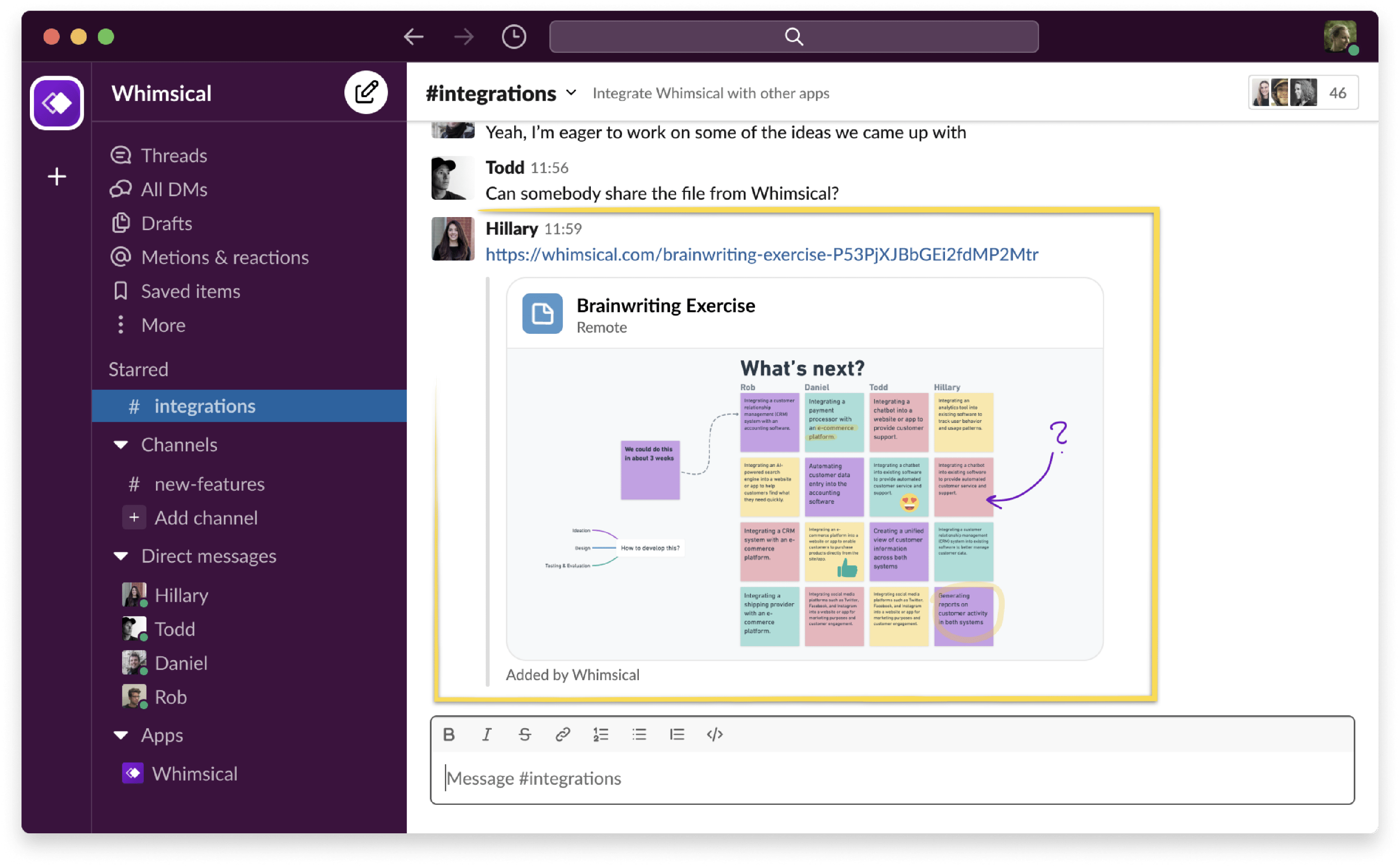
Get notifications from Whimsical in Slack so you never miss a comment or update.

Get set up

  1. Go to the integrations page in your Whimsical settings
  2. Click Install under the Slack app
  3. Authorize Whimsical to connect with your Slack workspace
  4. To enable notifications: go to My account → Notifications and choose which updates to receive in Slack

Built by

Whimsical

Website

slack.com