Brand
Get all logo versions.
Download 

Draw diagrams from Copilot in VS Code and the terminal
Whimsical
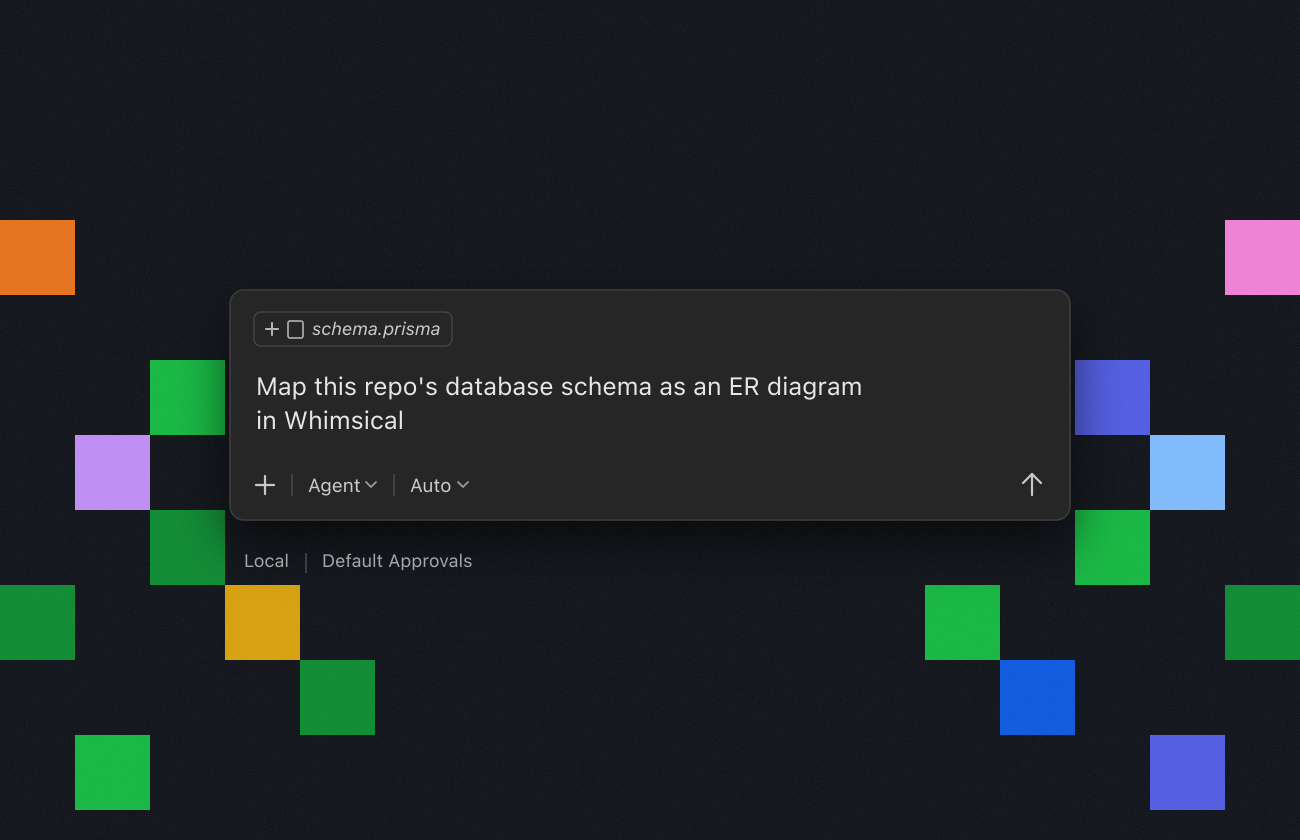
Connect GitHub Copilot to Whimsical and it can draw what it finds in your code, right from VS Code or your terminal. Ask it to map your database schema as an ER diagram, wireframe a page before you build it, or chart how your services depend on each other. The result is an editable Whimsical board, not a long answer in chat.
On an older version of VS Code? Run MCP: Add Server from the Command Palette instead.
If you haven’t added Whimsical in VS Code, run this in your terminal, then start Copilot and sign in to Whimsical when it asks:
In VS Code, run Chat: Open Customizations, select MCP Servers, and add an HTTP server with the URL https://mcp.whimsical.com/mcp. Choose Global, then Copilot Global, so Copilot CLI can use it too, and sign in to Whimsical when VS Code asks. If you only use Copilot CLI, run copilot mcp add --transport http whimsical https://mcp.whimsical.com/mcp instead.
GitHub Copilot can create and edit ER diagrams, flowcharts, sequence diagrams, wireframes, and mind maps in your Whimsical workspace from VS Code or the terminal. It can also search and read your existing boards and docs, so it can build from a wireframe your team already drew.