Brand
Get all logo versions.
Download 

Diagram your codebase from the terminal
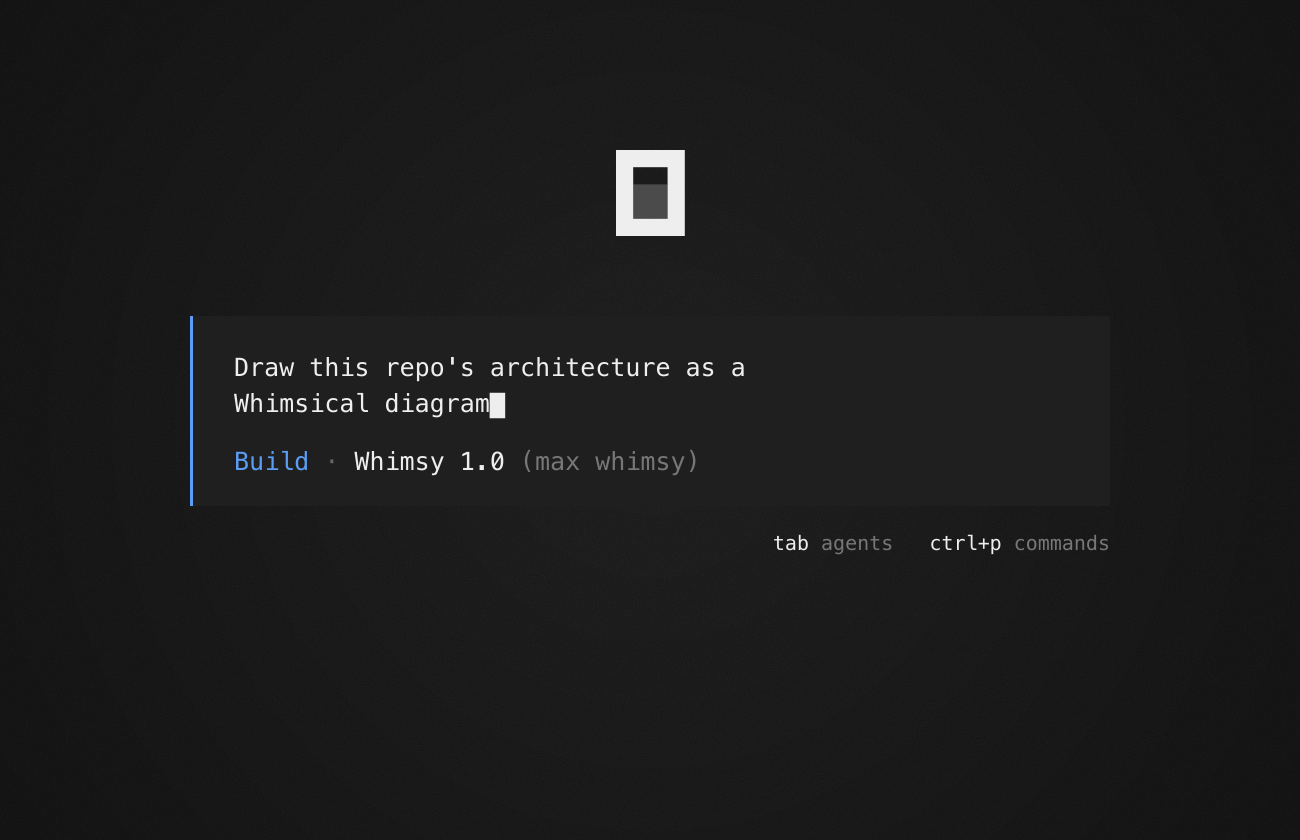
OpenCode is the open source coding agent for your terminal and desktop. Connect it to Whimsical and it can turn what it reads in your code into diagrams: an architecture overview of a repo, a flowchart of your API endpoints, or a sequence diagram of a sign-in flow. You get an editable board your team can open and change, instead of a wall of text in your terminal.
Leave out --global to add Whimsical to the current project only. You can also sign in from inside OpenCode: run /mcps and select whimsical. Running OpenCode over SSH or in a container? After you sign in, the browser lands on a page that doesn’t load. Copy its address and paste it into OpenCode’s sign-in prompt.
Run opencode mcp add whimsical --global --url https://mcp.whimsical.com/mcp, then run opencode mcp auth whimsical to sign in to Whimsical in your browser. You can also sign in from inside OpenCode by running /mcps and selecting whimsical.
OpenCode can turn what it reads in your code into editable Whimsical boards, such as architecture diagrams, API flowcharts, and sequence diagrams of sign-in flows. It can also read your existing Whimsical boards and docs, so it can build from a wireframe or spec your team wrote.