
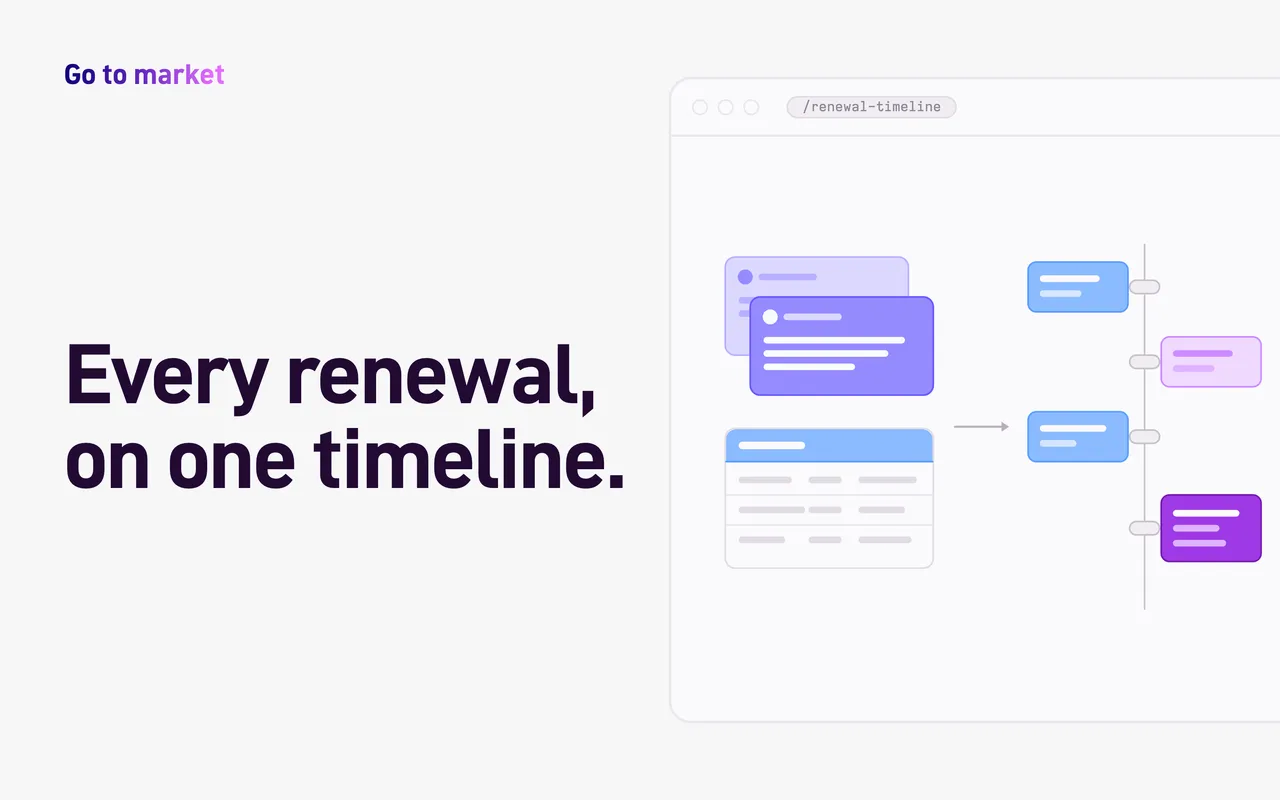
Renewal Timeline
Turn the emails behind a customer, client or contract renewal into a timeline in Whimsical, and a renewal summary to go with it.
Try
Build the renewal timeline for Initech
Your agent reads the renewal threads in your email or CRM and lays out every step on a board: your side on the left, the customer’s on the right, each offer and counter-offer with its price, the contract expiry date, and what’s still open. A pricing table at the top shows how the negotiation moved, with the agreed terms highlighted. The summary covers the deal terms, NRR, usage if you have the numbers, and the open items.
Install
The skill needs one MCP server, Whimsical: https://mcp.whimsical.com/mcp. Your email or CRM
connector is whatever your agent already uses.
With Node.js installed, run this in a terminal:
npx skills add WhimsicalCode/skills --skill renewal-timeline --agent claude-code -g
claude mcp add --transport http --scope user whimsical https://mcp.whimsical.com/mcp
-g makes the skill available in every folder. Skip the claude mcp add line if
claude mcp list already shows Whimsical. Then start Claude Code, run /mcp, and sign in
to Whimsical.
Or install it as a plugin, which adds the Whimsical MCP server for you:
/plugin marketplace add WhimsicalCode/skills
/plugin install renewal-timeline@whimsical
If you already had Whimsical configured, you’ll see it twice in /mcp; disable one.
- Download
renewal-timeline.zip. - In Claude, open Customize (on claude.ai, claude.ai/customize/skills), click Add, then Upload skill, drop the zip and click Upload.
- Still in Customize, under Connectors, add Whimsical, and the connector for your email or CRM.
With Node.js installed, run this in a terminal:
npx skills add WhimsicalCode/skills --skill renewal-timeline --agent cursor -g
Replace cursor with codex, github-copilot, gemini-cli or
another agent’s name.
This copies the skill where your agent looks for skills, using the open
skills installer. Without Node.js, unzip
renewal-timeline.zip
into that folder yourself. Either way, then add the Whimsical MCP server following your
agent’s MCP guide, or Whimsical’s.
Read the full guide on GitHub: requirements, how to use it, and how it works.