
Tech Tree
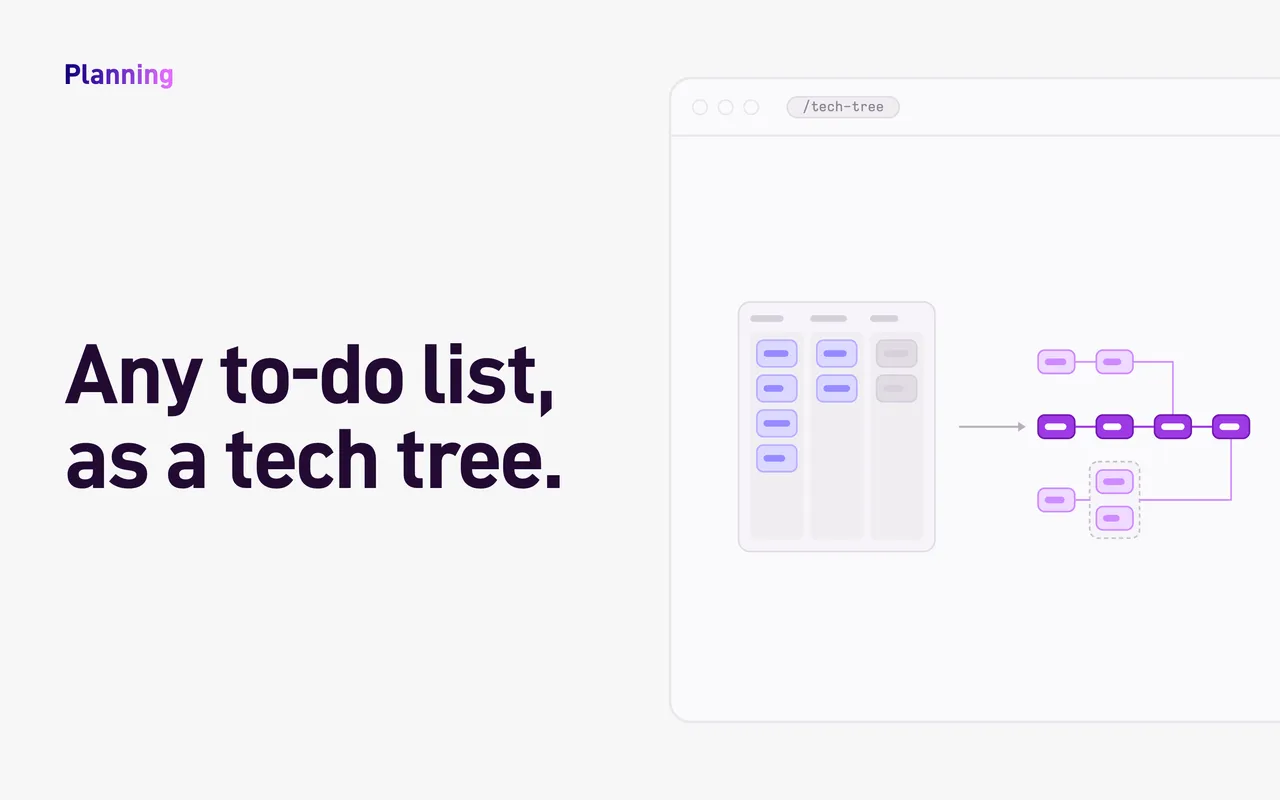
Turn any list of tasks into a tech tree in Whimsical. Start from a Whimsical board, a kanban, a markdown or text to-do list, Linear issues or another tool. Each task sits right after what it needs, so you see at a glance what you can start now, what’s waiting, what can happen in parallel, and the critical path.
Try
Turn this board into a tech tree: https://whimsical.com/acme-launch-...
Your agent reads every task, works out which tasks block which, checks the dependencies it inferred with you, and draws the tree on a new board, laid out like a metro map: lines of tasks run left to right, and arrows bend as little as they can and cross as rarely as they can.
Install
The skill needs one MCP server, Whimsical: https://mcp.whimsical.com/mcp. To read tasks from
Linear or another tool, add that tool’s MCP server too.
With Node.js installed, run this in a terminal:
npx skills add WhimsicalCode/skills --skill tech-tree --agent claude-code -g
claude mcp add --transport http --scope user whimsical https://mcp.whimsical.com/mcp
-g makes the skill available in every folder. Skip the claude mcp add line if
claude mcp list already shows Whimsical. Then start Claude Code, run /mcp, and sign in
to Whimsical.
Or install it as a plugin, which adds the Whimsical MCP server for you:
/plugin marketplace add WhimsicalCode/skills
/plugin install tech-tree@whimsical
If you already had Whimsical configured, you’ll see it twice in /mcp; disable one.
To read Linear issues, add Linear’s MCP server the same way, then sign in to it in /mcp:
claude mcp add --transport http --scope user linear https://mcp.linear.app/mcp
Not tested there yet. If you try it, please tell us how it went.
- Download
tech-tree.zip. - In Claude, open Customize (on claude.ai, claude.ai/customize/skills), click Add, then Upload skill, drop the zip and click Upload.
- Still in Customize, under Connectors, add Whimsical, and the connector for Linear or any other tool you’ll read tasks from.
With Node.js installed, run this in a terminal:
npx skills add WhimsicalCode/skills --skill tech-tree --agent cursor -g
Replace cursor with codex, github-copilot, gemini-cli or
another agent’s name.
This copies the skill where your agent looks for skills, using the open
skills installer. Without Node.js, unzip
tech-tree.zip
into that folder yourself. Either way, then add the Whimsical MCP server following your
agent’s MCP guide, or Whimsical’s, and the MCP
server of any tool you’ll read tasks from, like Linear’s.
Read the full guide on GitHub: requirements, how to use it, and how it works.