
Website Sitemap
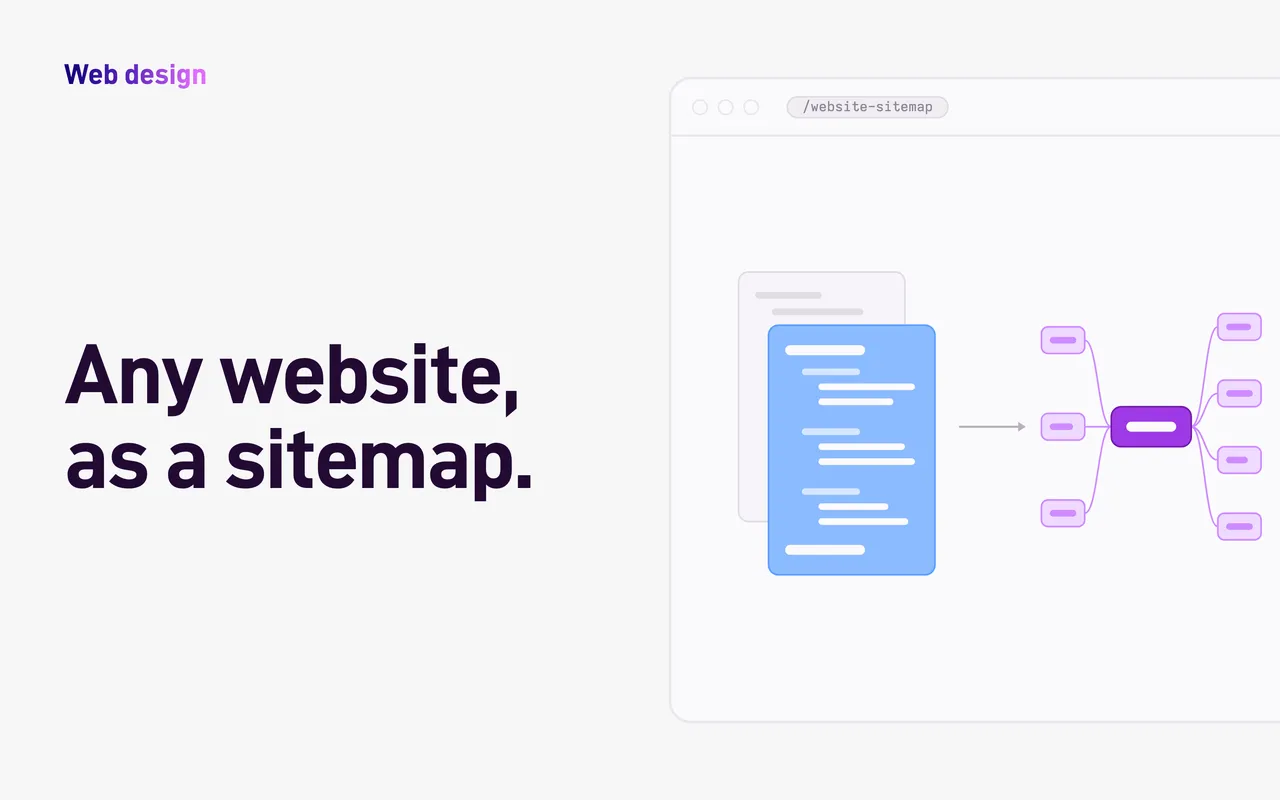
Draw any website’s sitemap in Whimsical, straight from its sitemap.xml: a mind map for the quickest overview, or a flowchart with a table per section for planning a build.
Try
Make a sitemap of acme.com
Your agent reads the site’s sitemap, and every sitemap nested in it, and asks which diagram you want. Then it draws the site on a new board, top down: its main pages and sections first, with pages made from one pattern grouped (“globex.com and 261 others”, “Pages 2 to 23”) and long lists cut at 30, the rest counted. Thousands of blog posts or event sessions don’t bury the structure, and even big sites fit on one board.
Install
The skill needs one MCP server, Whimsical: https://mcp.whimsical.com/mcp.
With Node.js installed, run this in a terminal:
npx skills add WhimsicalCode/skills --skill website-sitemap --agent claude-code -g
claude mcp add --transport http --scope user whimsical https://mcp.whimsical.com/mcp
-g makes the skill available in every folder. Skip the claude mcp add line if
claude mcp list already shows Whimsical. Then start Claude Code, run /mcp, and sign in
to Whimsical.
Or install it as a plugin, which adds the Whimsical MCP server for you:
/plugin marketplace add WhimsicalCode/skills
/plugin install website-sitemap@whimsical
If you already had Whimsical configured, you’ll see it twice in /mcp; disable one.
Not tested there yet. The skill reads the sitemap from the site itself, and Claude’s sandbox may not allow that. If you try it, please tell us how it went.
- Download
website-sitemap.zip. - In Claude, open Customize (on claude.ai, claude.ai/customize/skills), click Add, then Upload skill, drop the zip and click Upload.
- Still in Customize, under Connectors, add Whimsical.
With Node.js installed, run this in a terminal:
npx skills add WhimsicalCode/skills --skill website-sitemap --agent cursor -g
Replace cursor with codex, github-copilot, gemini-cli or
another agent’s name.
This copies the skill where your agent looks for skills, using the open
skills installer. Without Node.js, unzip
website-sitemap.zip
into that folder yourself. Either way, then add the Whimsical MCP server following your
agent’s MCP guide, or Whimsical’s.
Read the full guide on GitHub: requirements, how to use it, and how it works.