
App Wireframe
Try
Make wireframes of Airbnb
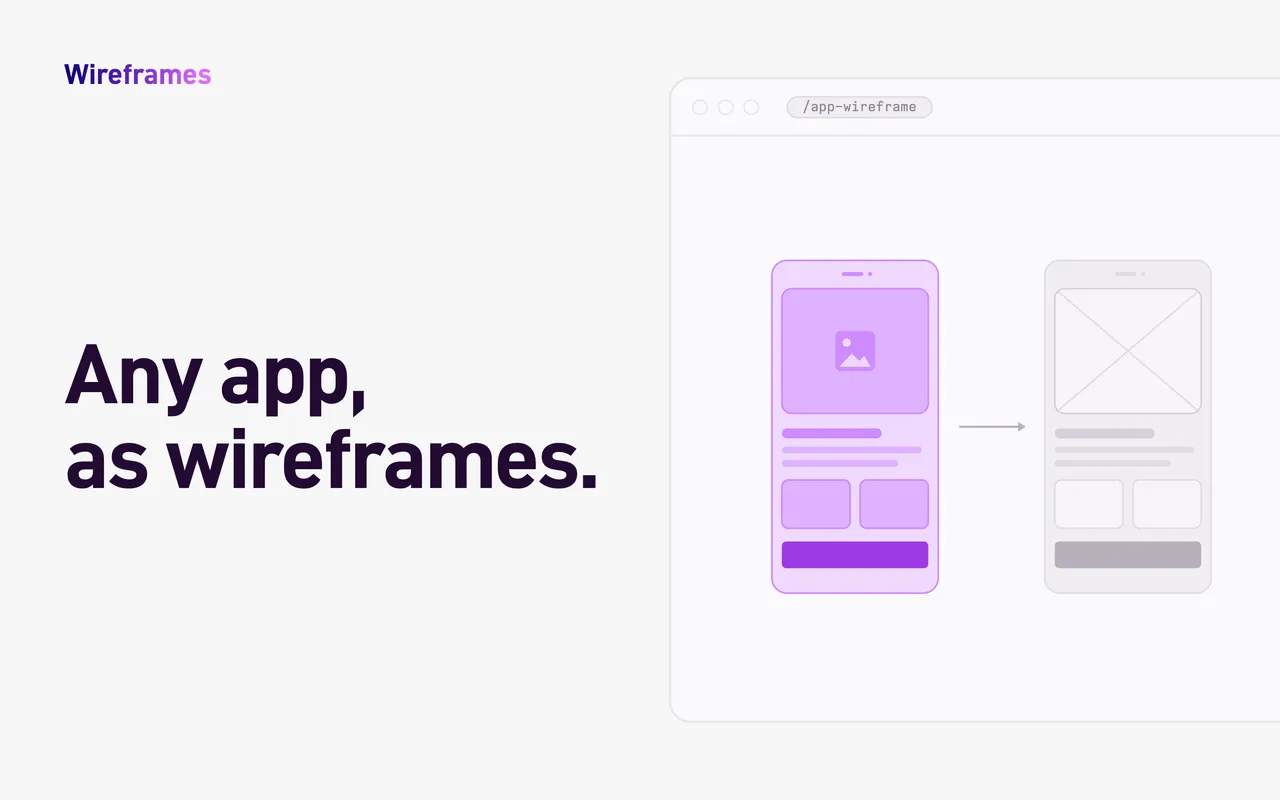
That one line gets you a Whimsical board with up to 15 Airbnb screens, in the order you’d move through the app, each rebuilt as a lo-fi iPhone wireframe. Cards, tab bars and list rows are grouped, so you can drag them around and start editing right away. Every wireframe links back to its screen on Mobbin.
Install
The skill needs two MCP servers: Whimsical, https://mcp.whimsical.com/mcp, and
Mobbin, https://api.mobbin.com/mcp (skip Mobbin if you only use your own screenshots).
With Node.js installed, run this in a terminal:
npx skills add WhimsicalCode/skills --skill app-wireframe --agent claude-code -g
claude mcp add --transport http --scope user whimsical https://mcp.whimsical.com/mcp
claude mcp add --transport http --scope user mobbin https://api.mobbin.com/mcp
-g makes the skill available in every folder. Skip the claude mcp add lines for servers
claude mcp list already shows. Then start Claude Code, run /mcp, and sign in to
Whimsical and Mobbin.
Or install it as a plugin, which adds both MCP servers for you:
/plugin marketplace add WhimsicalCode/skills
/plugin install app-wireframe@whimsical
If you already had either server configured, you’ll see it twice in /mcp; disable one.
Not tested there yet. The skill runs its Python scripts with uv and downloads screens from Mobbin’s servers, and Claude’s sandbox may not allow either. If you try it, start with your own screenshots, and please tell us how it went.
- Download
app-wireframe.zip. - In Claude, open Customize (on claude.ai, claude.ai/customize/skills), click Add, then Upload skill, drop the zip and click Upload.
- Still in Customize, under Connectors, add Whimsical, and Mobbin if you have a Mobbin plan.
With Node.js installed, run this in a terminal:
npx skills add WhimsicalCode/skills --skill app-wireframe --agent cursor -g
Replace cursor with codex, github-copilot, gemini-cli or
another agent’s name.
This copies the skill where your agent looks for skills, using the open
skills installer. Without Node.js, unzip
app-wireframe.zip
into that folder yourself. Either way, then add the two MCP servers following your
agent’s MCP guide, or the guides from
Whimsical and
Mobbin.
The skill hands each review to a subagent. If your agent doesn’t have subagents, it reviews the screen itself in a separate step and says so in its report.
Read the full guide on GitHub: requirements, how to use it, and how it works.