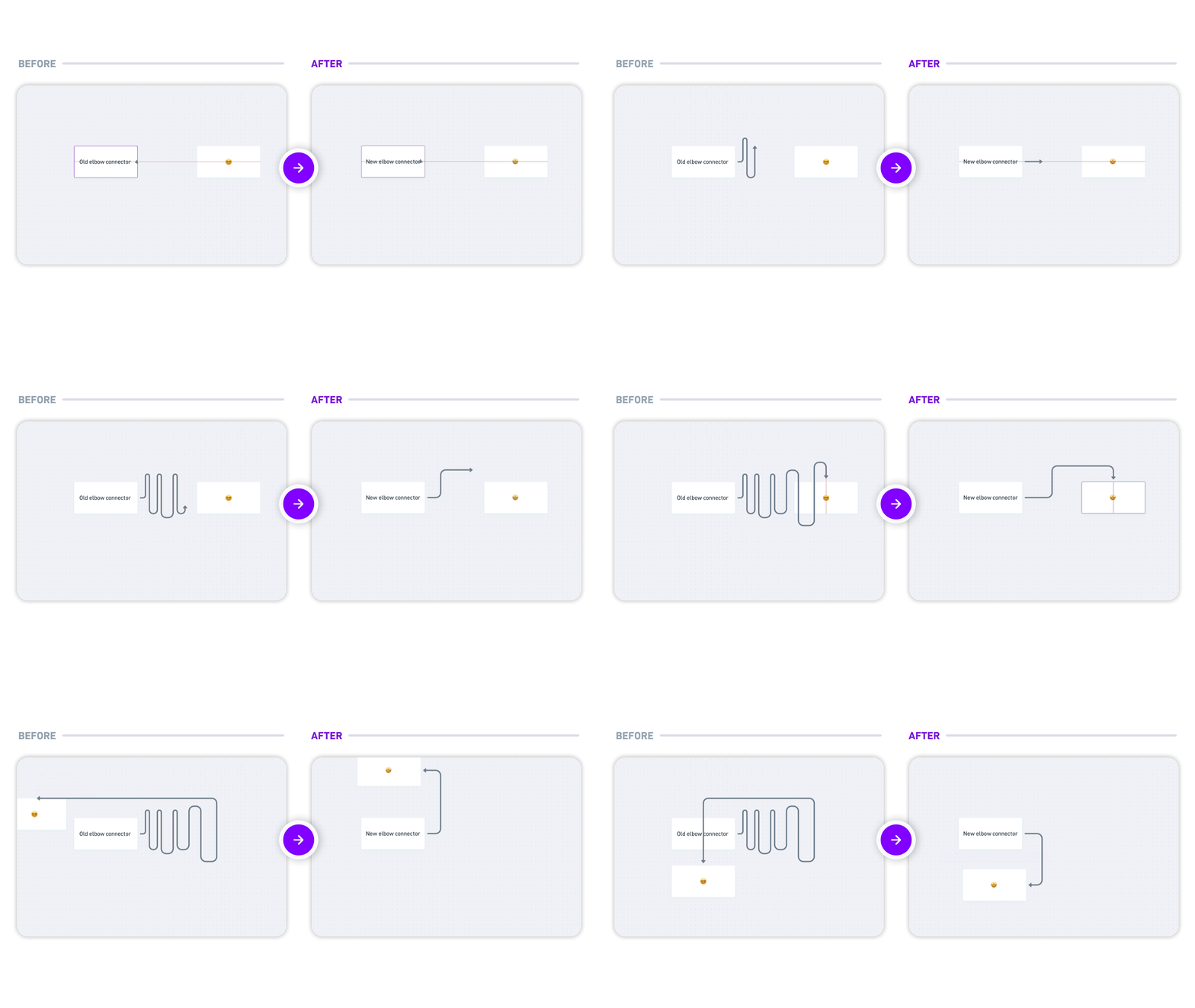
Elbow connector improvements
New features
- Smarter connectors - elbow connectors now find cleaner paths automatically and stay tidy as your diagrams evolve.
![]()
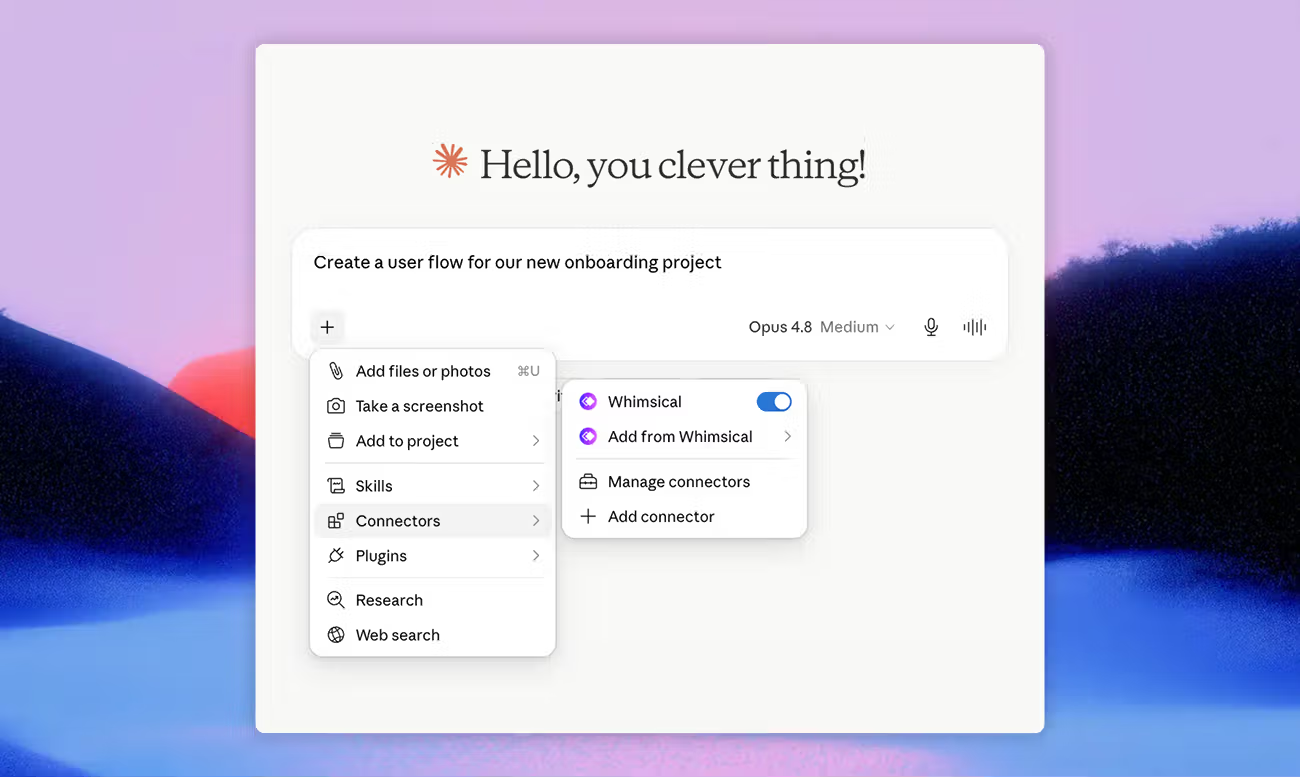
- Claude connector - connect Whimsical to Claude and turn your conversations into diagrams and wireframes, using context from all your tools.
![]()
MCP
- New: You can now set custom colors on board objects.
- New: Added icon support for mind map nodes.
- New: Reading and writing comments is supported via the MCP.
- New: Cards and stacks can now be created and managed via the MCP.
- New: You can create, rename, and delete files and folders.
- New: Added full markdown and rich text formatting for compatible text fields.
- New: MCP can retrieve teams.
- Improved: Search via the MCP returns more reliable, accurate results.
- Improved: Added full table support in docs.
- Improved: Wireframe text and icons now render dark for better contrast.
- Fixed: Some users were unable to authenticate in the ChatGPT app.
Improvements and fixes
- New: A more compact board toolbar with easier switching between diagramming and wireframing.
- New: The "?" menu has moved to the left navigation bar.
- New: You can now press Delete to remove notifications in the notification inbox.
- New: Type arrow characters (→, ⇒, etc.) in any text field.
- Fixed: Embeds now render layout and icons correctly.
- Fixed: Slide labels no longer appear in presentation mode.
- Fixed: Items dragged into a section keep the correct order.
- Fixed: Consistent bulleted list rendering in board tables.
- Fixed: Selection highlights appear in comment-only and view-only docs.
- Fixed: Assignee avatars no longer appear blank in cards.
- Fixed: Comment button is now disabled while an image is uploading.
- Fixed: Text no longer shifts when clicking into edit mode.
- Fixed: The color picker now shows the correct color for sections and frames.
- Fixed: The desktop app window can now be moved while in presentation mode.
- Fixed: Selecting a sequence diagram actor works right after selecting a connector.
- Fixed: Connector endpoint arrows in sequence diagrams toggle correctly.
- Fixed: Collaborators in inactive or background tabs no longer show as active.
- Fixed: Collaborators show up reliably in real time.
- Improved: Better selection and hover highlights in sequence diagrams.
- Improved: A slimmer team header gives you back more space.