Brand
Get all logo versions.
Download 


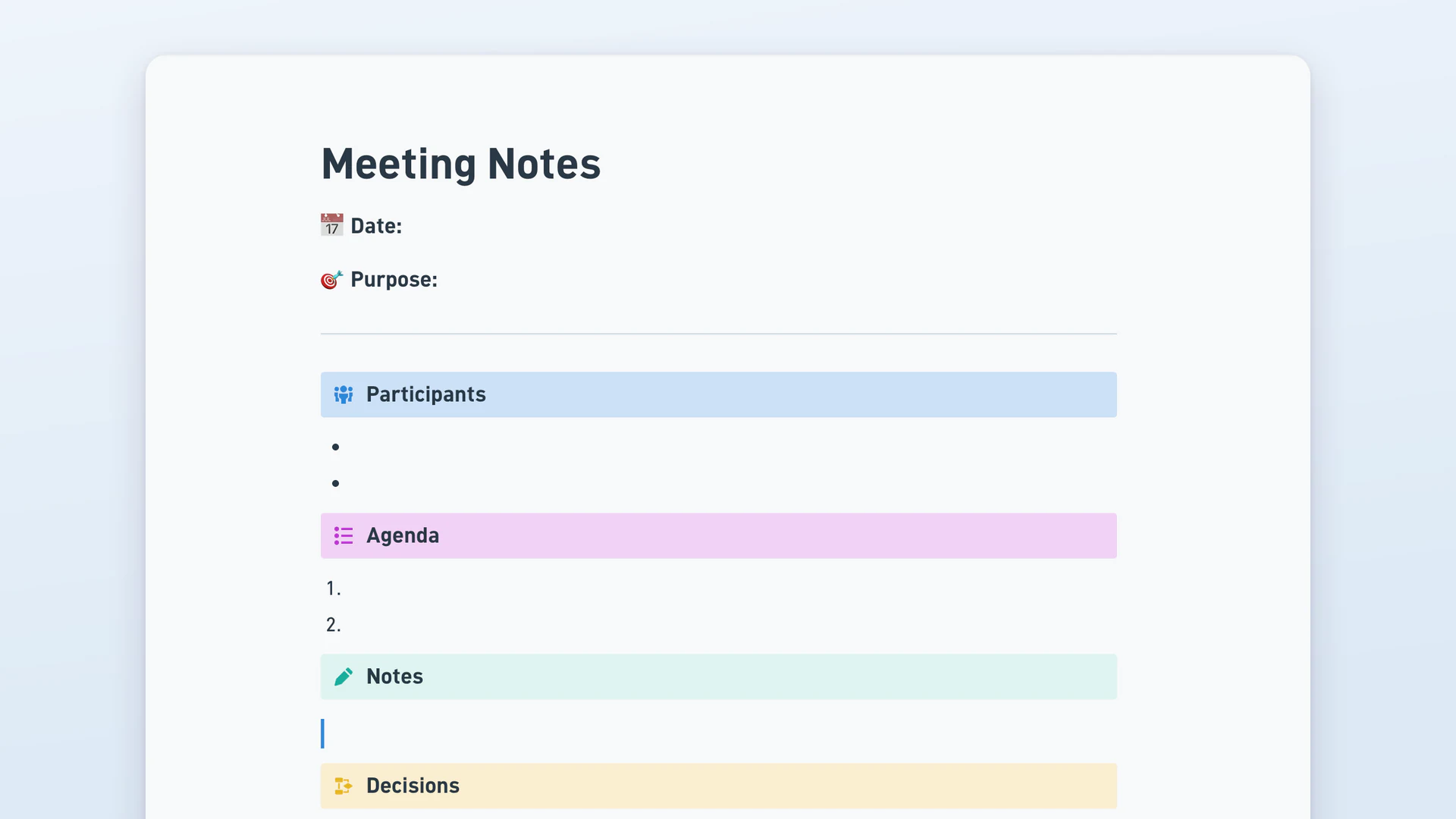
Meeting notes are a written record of what a group discussed, what it decided, and what happens next. The template has a date and purpose header, a participant list, a numbered agenda, a free-form notes area, a separate decisions list, and an action item checklist. Teams use it for weekly standups, project check-ins, and client calls where someone has to remember who owns what.
Meeting minutes are the formal record of a meeting, kept for governance and approved at the following session. They follow a fixed structure and carry weight in legal, financial and compliance contexts. Meeting notes are informal and written for the team itself: what was said, what was decided, who owns the next step. Use minutes for boards and committees, notes for internal work.
Meeting notes are a written record of what a group discussed, what it decided, and what happens next. They usually list the date, the people present, the agenda topics, a summary of the discussion, and the actions people committed to. Unlike a transcript, notes capture the substance rather than every word spoken.
A useful note is short and specific. A weekly engineering standup might record one decision, cut scope on the release, plus two action items with names against them. A client kickoff records who sends the revised statement of work and by when. A hiring debrief records a no-hire and why, which matters when that candidate reapplies. Discussion gets a paragraph. Decisions get their own line.
Whoever isn't leading the discussion. In a board or committee setting that's the secretary, whose minutes become the official record. In a team meeting it's usually a rotating role, because the person facilitating can't chair and write at the same time. Naming the note taker at the start avoids everyone assuming someone else was writing.
Capture decisions and action items live, then summarise the discussion afterwards. Most people try to write everything in real time and end up with a transcript nobody rereads. Type the agenda in advance so you're filling a structure instead of starting from a blank page, and flag anything unresolved so you can chase it later.
Start with the date and the purpose of the meeting, then list who attended. Put the agenda next as a numbered list and write the discussion under it. Keep decisions and action items in separate sections at the end, because those are the two parts people come back to. That outline suits most meetings, and the format matters less than keeping decisions apart from discussion.