Brand
Get all logo versions.
Download 


A product brief is a short document that defines a product idea before anyone builds it: the problem, who it's for, the proposed solution, and how you'll know it worked. This template turns that brief into a presentation deck, with slides for Background, Problem, Impact, Solution, Key Features, Launch Plan, and FAQs. Product managers use it to pitch an idea to stakeholders in something easier to read than a wall of text.
A product brief is the upstream, one-to-two-page document that answers 'should we build this?': the problem, the target users, and the success criteria, written before any solution is committed. A product requirements document (PRD) comes after and answers 'what exactly are we building?': detailed functional requirements, user stories, and acceptance criteria for designers and engineers to execute. The brief makes the case for the work; the PRD specifies how to build it.
A product brief is a short document, often one to two pages, that defines a product idea before development starts. It covers the problem, the target users, the proposed solution, and the metrics that define success. Its job is to answer 'should we build this, and why?' so a team can align and commit before investing engineering time. This template presents it as a deck.
A product brief usually includes the problem and why it matters, the target users, the proposed solution, success metrics, and scope. Stronger briefs add a launch plan, milestones, and a 'no-gos' section that names what's deliberately out of scope. This template lays those out as slides: Background, Problem, Impact, Solution, Key Features, Launch Plan, Milestones, and FAQs.
A product brief is the upstream, one-to-two-page document that answers 'should we build this?': the problem, the users, and success criteria. A product requirements document (PRD) comes later and answers 'what exactly are we building?': detailed requirements, user stories, and acceptance criteria for designers and engineers. The brief makes the case; the PRD specifies the build.
Start with the problem and why it matters, backed by evidence. Name the target users and the metrics that define success. Then sketch the proposed solution, a short prioritized feature list, and the no-gos. Keep it tight, a brief is meant to be read in one sitting. This template gives you the sections as slides, so you fill in prompts instead of starting from a blank page.
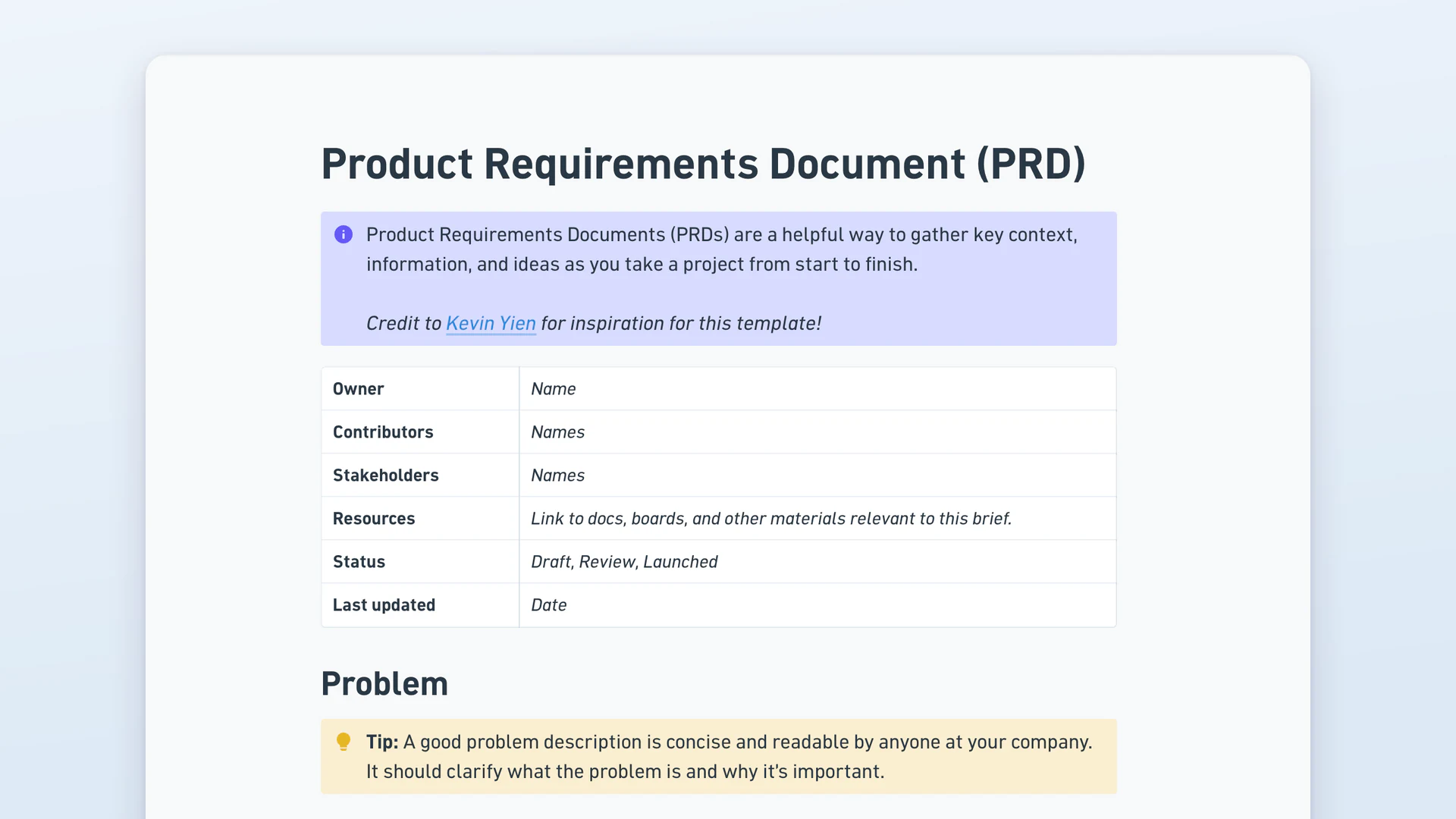
The product manager usually owns and writes the product brief, but it's shaped with input from engineering, design, and the stakeholders who'll sign off. The Background slide on this template names the owner, contributors, and stakeholders explicitly, so it's clear who drafted it, who fed in, and who needs to approve before the work moves forward.