Brand
Get all logo versions.
Download 


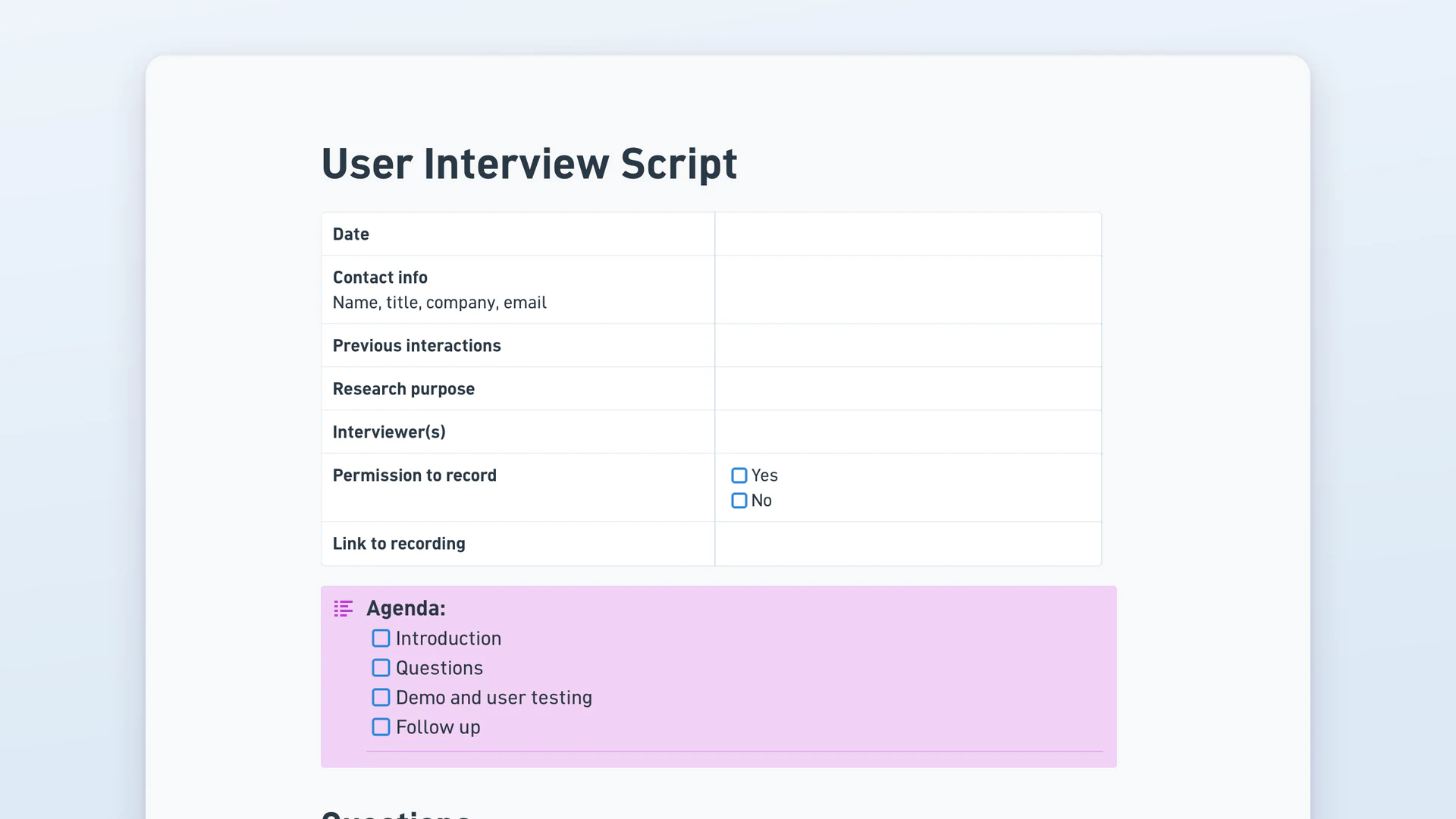
A user interview script is the runsheet a researcher follows in a session: which questions to ask, in what order, and where to write down what the participant actually said. This template pairs the script with the record. A header captures the participant, the research purpose and recording consent, question blocks hold the answers beneath them, a user testing section logs per-feature observations, and a nested board collects the findings.
A user interview asks people about their experience: what they do, what gets in the way, what they've tried. Usability testing watches them attempt a task and records where they hesitate or fail. Interviews surface motivation, which people can describe. Usability tests surface friction, which people usually can't. This doc works as both a user research interview template and a usability testing template, because one session often runs the interview first and the demo second.
A user interview script is the prepared runsheet a researcher follows during a session: how to open, the questions to ask in order, where to probe, and how to close. It keeps sessions consistent enough to compare while leaving room to follow something unexpected. Most run 30 to 45 minutes. A good script reads conversationally, so the interview doesn't feel like a form being completed.
Ask about the last time something happened rather than what people generally do. Walk me through the last time you tried to do this. What did you do just before that? What was the most frustrating part? What did you try that didn't work? Avoid asking whether someone would use a feature, because predictions about future behaviour are unreliable and people are polite.
The strongest user research interview questions are open, past-tense and specific. Tell me about the last time you did this. Who else was involved? What happened next? How did you decide? Follow each answer with a short probe such as "what made you do that" rather than moving to the next item. UX user interview questions work the same way: behaviour first, opinion second.
Thirty to forty-five minutes suits most sessions. Under twenty and you rarely get past surface answers, since people need a few minutes to settle. Over an hour and both sides tire, and the last stretch produces little worth using. If you're also running a demo, budget the interview and the testing separately rather than assuming one hour covers both.
Record when you can, and always ask first. A recording lets you quote accurately and lets people who weren't present hear the tone rather than a summary. Ask at the start rather than mid-session, note the answer on the script, and say what happens to the file. Some participants decline, which is why the template keeps a permission field and a link field separately.