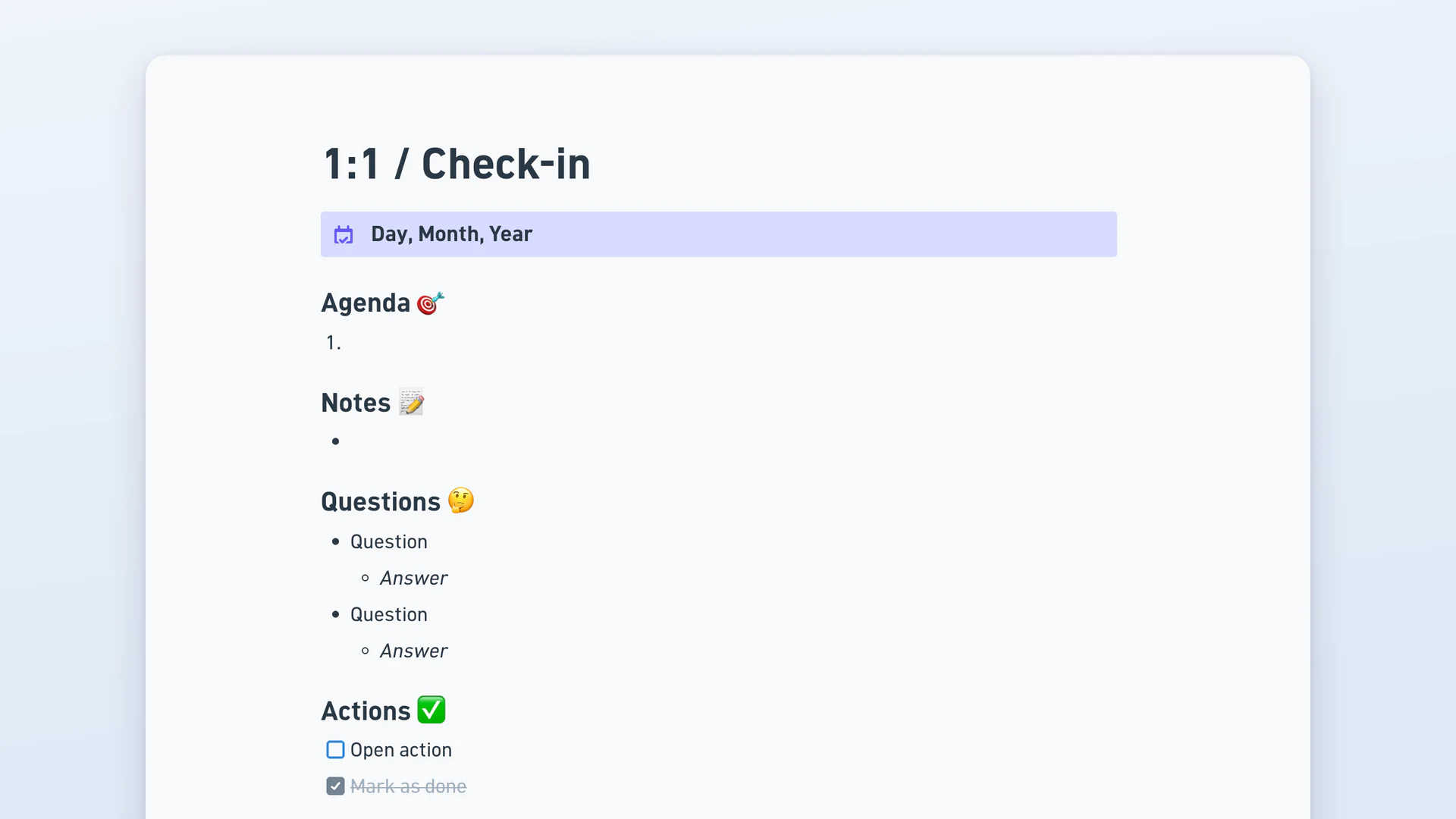
Start from a proven layout instead of a blank canvas. Browse free Whimsical templates for flowcharts, diagrams, mind maps, wireframes, and planning — open any one and make it yours.
Yes. Every template in the Whimsical template gallery is free to use on any plan, including the Free plan. On the Free plan, using a template creates a new file, and that file's content counts toward the monthly limits of 50 new board objects and 50 new doc blocks.
Pick a template in the gallery and click "Use this template". Whimsical creates a new file from the template that you can edit freely. Inside Whimsical, you can also click the create button and choose "From template" to start a new file, or insert a template into an existing board from the toolbar or into a doc from the block menu.
Yes. Custom templates are included on every plan: Free, Pro, and Business. Go to "Templates & Themes" and click "New template", move an existing file into "Templates & Themes", or choose "Save as template" from a file's action menu.
Whimsical has templates for wireframes, diagrams, flowcharts, mind maps, roadmaps and planning, strategy canvases, prioritization matrices, retrospectives and meetings, and brainstorming workshops. Most are board templates, and some are doc templates.
Yes. Using a template creates a new file of your own, so you can change its text, shapes, colors, and layout, and add or remove anything.
Yes. A file made from a template is a regular Whimsical file, so you can share it by link with view, comment, or edit access and work on it together in real time. Guests are free on every plan.